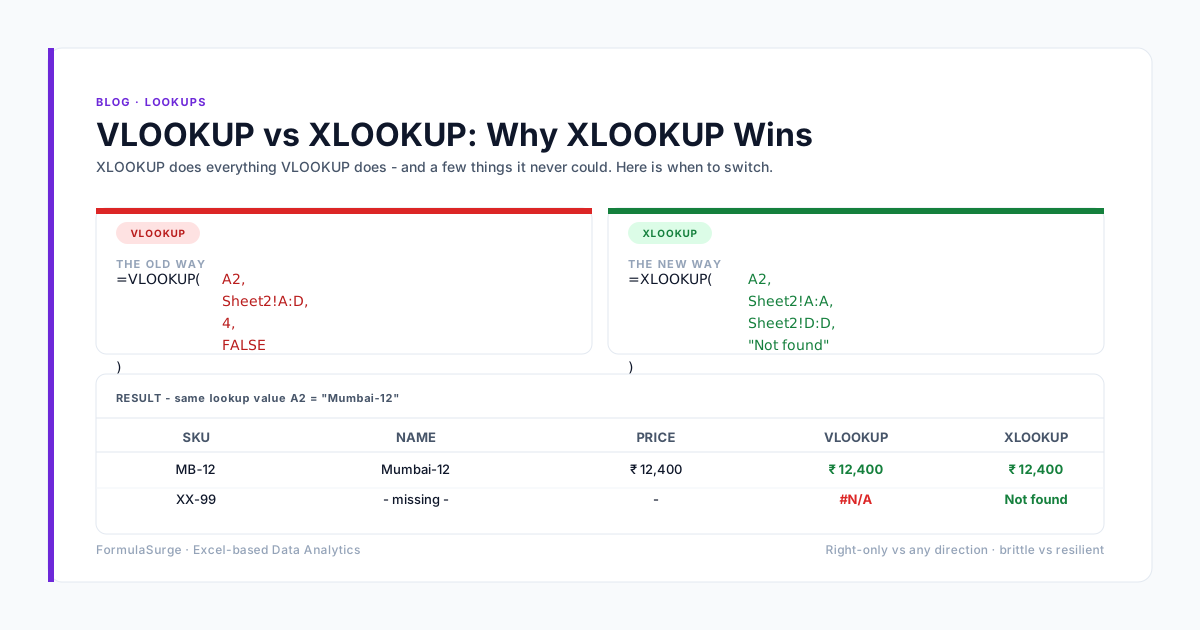
The VLOOKUP vs INDEX MATCH debate has been settled by Excel 365: use XLOOKUP for new work, keep INDEX MATCH for legacy code, retire VLOOKUP. The page below is the migration playbook - what to do with the VLOOKUP formulas in inherited workbooks, and why INDEX MATCH is still the right tool for the one-way lookup pattern that XLOOKUP does not handle.
The structural differences
Lookup direction
VLOOKUP
Right only (lookup column must be leftmost)
INDEX MATCH
Any direction (lookup column can be anywhere)
Column insert
VLOOKUP
Breaks the column index number
INDEX MATCH
Survives - the column references move with the insert
Readability
VLOOKUP
OK for one lookup, terrible for chained lookups
INDEX MATCH
Readable in single and chained form
Performance
VLOOKUP
Scans every column from lookup to result
INDEX MATCH
Scans only the columns it needs
Default match
VLOOKUP
Approximate match (silent footgun)
INDEX MATCH
Exact match (explicit 0)
If-not-found
VLOOKUP
Wrapped in IFERROR
INDEX MATCH
Wrapped in IFERROR
Pattern by pattern
Simple lookup
VLOOKUP: =VLOOKUP(A1, B:D, 3, FALSE)
INDEX MATCH: =INDEX(D:D, MATCH(A1, B:B, 0))
Two-way lookup
VLOOKUP: Impossible without helper column
INDEX MATCH: =INDEX(C:E, MATCH(A1, B:B, 0), MATCH(F1, C1:E1, 0))
Closest match
VLOOKUP: Approximate match (TRUE)
INDEX MATCH: =INDEX(B:B, MATCH(A1, A:A, 1))
Multiple criteria
VLOOKUP: Helper column required
INDEX MATCH: Array formula or BOOLEAN*MATCH
How to migrate a VLOOKUP workbook
The migration is mechanical. For each VLOOKUP, replace the column index number with a MATCH function. The new formula has more characters but is more flexible. The old VLOOKUP column index is the source of most VLOOKUP bugs - column inserts break the index, the formula returns the wrong value silently, and the team does not notice until the audit. INDEX MATCH fixes the bug at the cost of one extra function. The senior should run a workbook-wide Find for VLOOKUP and migrate every instance in a single working day.
When to skip both and use XLOOKUP
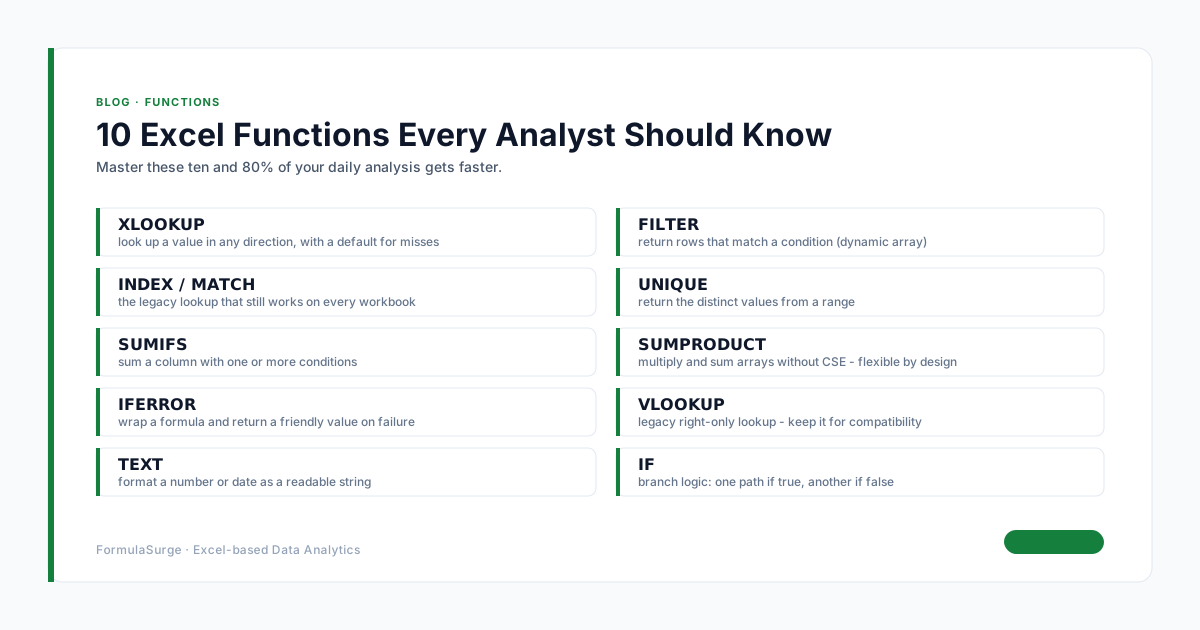
XLOOKUP is the modern replacement. The syntax is cleaner, the defaults are safer, and the if-not-found argument removes the IFERROR wrapper. Use XLOOKUP for any new work in Excel 365. Use INDEX MATCH for legacy workbooks and for the one-way lookup pattern that XLOOKUP does not handle cleanly (the multi-criteria lookup with array logic). The right answer in 2026 is XLOOKUP for new work, INDEX MATCH for inherited work, and VLOOKUP only for the workbooks you cannot edit.