Templates are the right deliverable for any Excel file the team will reuse. The senior ships templates (.xltx) for budgets, trackers, calculators, and scorecards - anything where the structure is fixed and the data changes. The pattern is: build the structure once, protect the formulas, ship as a template. The user opens the template, fills in their data, and the file is ready.
How to build a template
Build the workbook as you would any other - formulas, formatting, named ranges, conditional formatting. Then delete the example data, leaving the structure intact. Save as .xltx (Excel Template) instead of .xlsx. The user opens the .xltx and Excel creates a new .xlsx based on the template, with the formulas and formatting preserved and the data empty.
What to include in a template
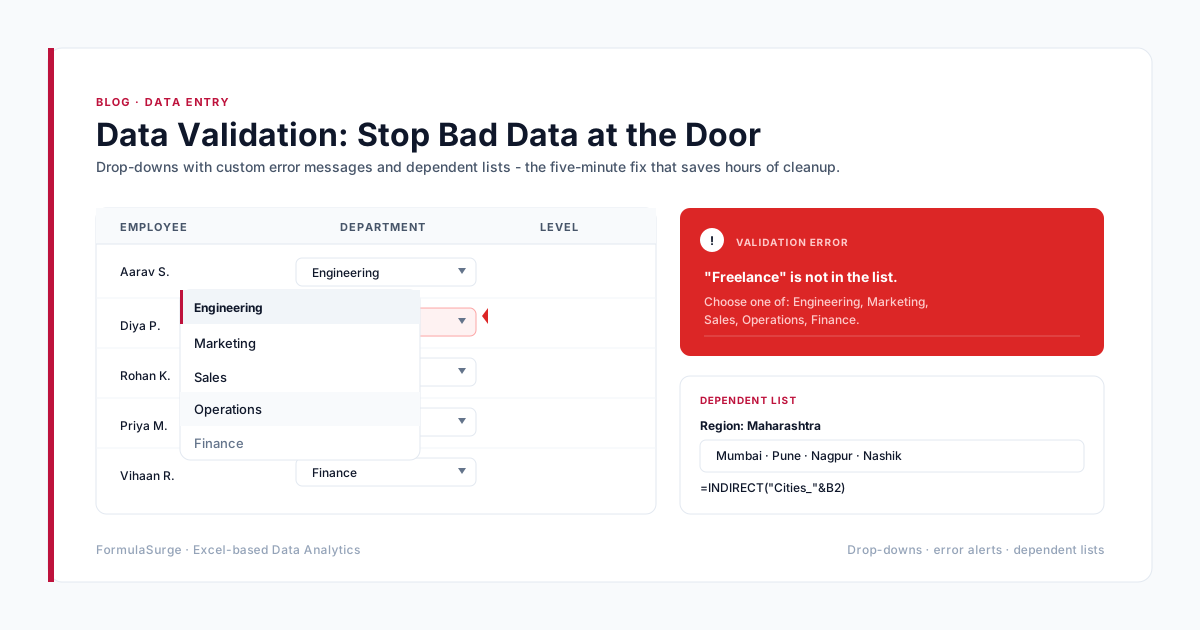
The senior-built template has five elements. (1) The input cells - clearly marked, unlocked, with Data Validation where appropriate. (2) The formula cells - locked, with named ranges, documented in a Notes column. (3) The output cells - the formulas calculate the outputs from the inputs. (4) A Documentation tab - explains every input, every formula, every output. (5) Sheet Protection - protects the formulas while allowing the user to fill in the inputs.
Common template patterns
Budget template with month columns and account rows, the user fills in the actuals and the formulas calculate the variance. Invoice template with the customer and line item rows, the formulas calculate the subtotal, tax, and total. Risk score template with the questions and scoring rules, the formulas calculate the score. The pattern is the same: inputs + formulas + outputs. The senior ships the template, the user fills in the inputs, and the file is ready.
How to distribute a template
The senior distributes templates via SharePoint or OneDrive. The template is in a shared library; the user clicks New and the template opens as a fresh .xlsx. The original .xltx is preserved. The alternative is email attachment - fragile, easy to lose track of versions, hard to update. The senior uses SharePoint for any team-wide template and email only for one-off deliveries.