Project management in Excel is one of the most common use cases in any consulting, IT, or construction team. The right workbook replaces dedicated PM software for small to mid-size projects and costs a fraction of the licence. The four components below are the ones every project tracker needs.
The four components
Task list with start, end, owner, status, predecessor. Gantt chart built with conditional formatting on a date range. Resource allocation matrix with over- allocation flags. Status report with on-track / at- risk / off-track flags. The four together cover 90% of any project management need. The senior ships them in a single workbook with named ranges, conditional formatting, and a Checks tab for tie-out.
How to build a Gantt in Excel
The senior-built Gantt uses conditional formatting on a date range. The pattern: a row per task, columns for each day (or week) of the project, a formula-based conditional format that fills the cell if the date is between start and end. The Gantt is interactive - the senior adds a Today line and conditional formatting that highlights the current week. The result is a Gantt that updates with the data and looks like a senior-built deliverable.
How to report status
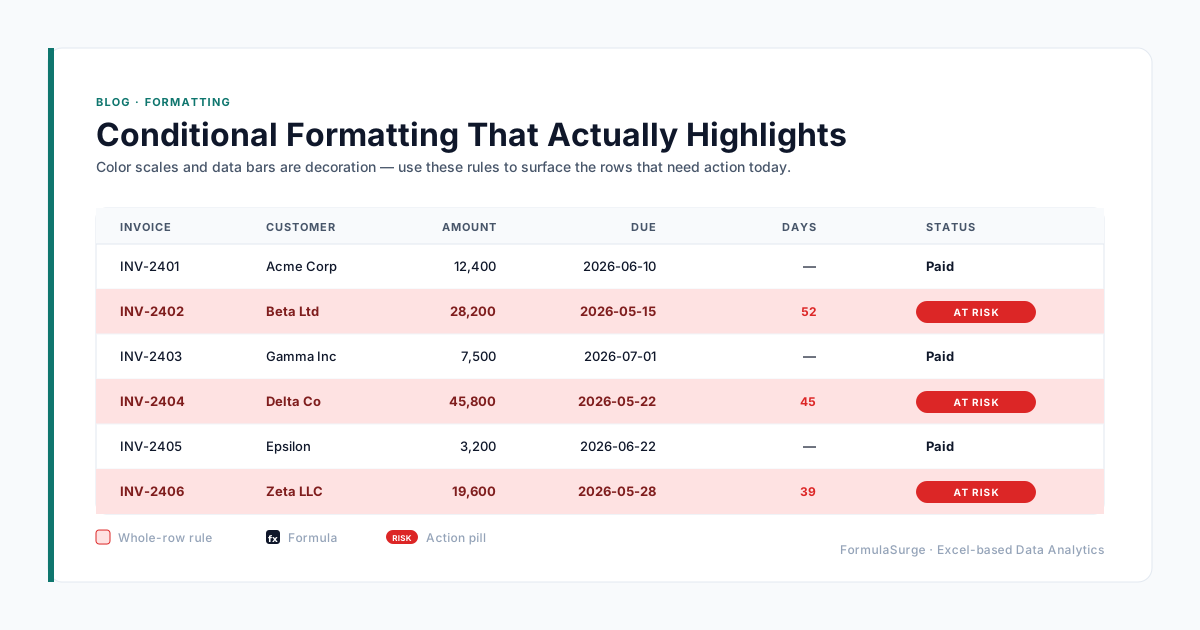
The senior reports status with three flags. On Track (green) - the task is on schedule, no action needed. At Risk (amber) - the task is behind schedule or has a dependency issue, needs attention. Off Track (red) - the task is significantly behind, escalation needed. The flags are based on a formula: compare the % complete to the % of the duration that has elapsed. The senior reports the flags in a one-page status report that goes to the steering committee every week.
When to move to dedicated PM software
Excel project management tops out at 50 tasks and 6 months. For larger projects, the senior moves to dedicated PM software - MS Project for engineering, Asana or Monday for product, Jira for software. The transition is a one-time migration: copy the task list, set up the dependencies, configure the views. The senior recommends dedicated PM software when the project has 100+ tasks, 5+ concurrent workstreams, or a formal stage-gate process. Below that, Excel is enough.