What changed
Until these functions arrived, pattern matching in Excel meant nested MID/FIND chains, a VBA user-defined function or a trip through Power Query. Excel for Microsoft 365 now has three native regex functions, all using the PCRE2 flavour.
The three functions
- REGEXTEST(text, pattern, [case_sensitivity]) - TRUE if the pattern matches anywhere in the text.
- REGEXEXTRACT(text, pattern, [return_mode], [case_sensitivity]) - return_mode 0 gives the first match, 1 gives every match as an array, 2 gives the capture groups of the first match.
- REGEXREPLACE(text, pattern, replacement, [occurrence], [case_sensitivity]) - occurrence 0 (the default) replaces every match; a negative number counts from the end. Capture groups go into the replacement as $1, $2.
Five worked examples
Validate an Indian GSTIN (15 characters: state code, PAN, entity number, Z, check character):
=REGEXTEST(A2, "^\d{2}[A-Z]{5}\d{4}[A-Z][1-9A-Z]Z[0-9A-Z]$")Pull the first email address out of a free-text cell:
=REGEXEXTRACT(A2, "[\w.+-]+@[\w-]+\.[\w.-]+")Spill every number in a cell, one per row:
=REGEXEXTRACT(A2, "\d+", 1)Strip a phone number to digits only:
=REGEXREPLACE(A2, "\D", "")Turn "Shah, Priya" into "Priya Shah":
=REGEXREPLACE(A2, "(\w+), (\w+)", "$2 $1")Will this break your workbook?
- Colleagues on Excel 2021, 2019 or older see #NAME? in every REGEX cell. If the file goes to clients or auditors on perpetual licences, paste values before sending, or keep the old formulas.
- Numbers come back as text. SUM ignores them silently. Wrap with VALUE().
- Case matters by default. A pattern for [A-Z] will not match lower-case input unless you pass 1 as case_sensitivity.
- Array results spill. return_mode 1 and 2 need empty cells to the right or below, or the cell shows #SPILL!.
When to use Power Query instead
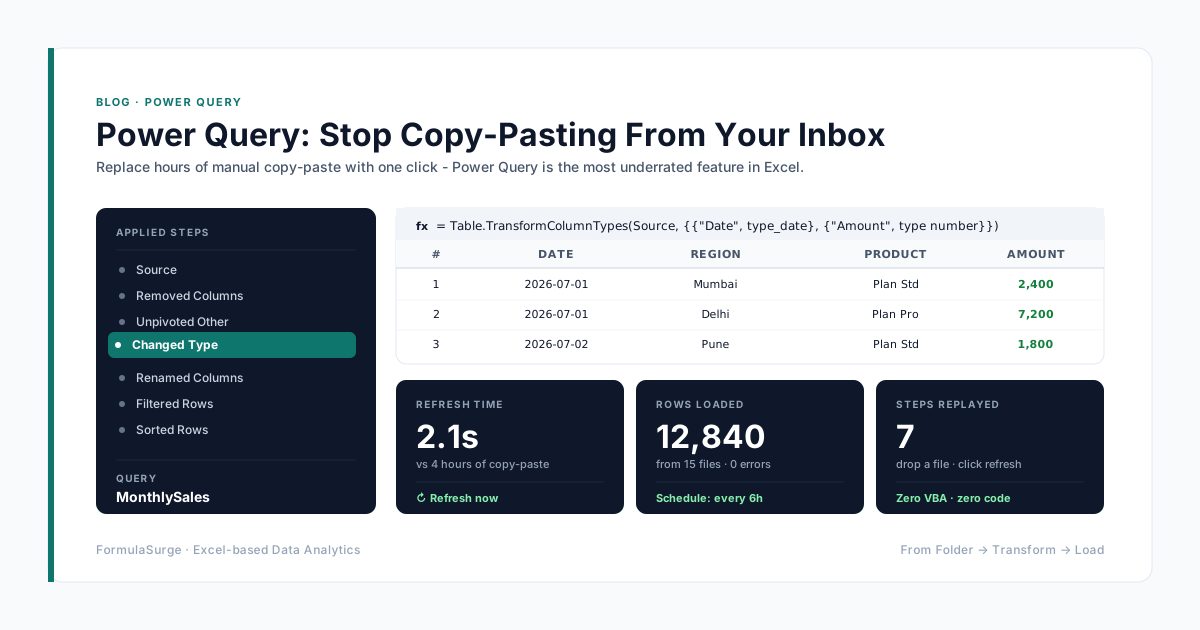
If the same cleanup runs on every monthly export, do it once in Power Query and load a clean table. REGEX formulas are best for checks and one-off extraction inside a working sheet.