Building a financial model for fundraising, debt sizing, or strategic planning requires far more than basic Excel formula knowledge. The model has to survive scrutiny from an investor, a lender, or a board - and the only way to guarantee that is to follow the FAST standards and ship a model with a working Checks tab. This page is the checklist we use on every remote financial modelling engagement.
The FAST standards explained
FAST is the acronym that separates a senior-built model from an amateur-built model. Any model that fails any one of the four tests is not ready for an investor, a lender, or a board. The four tests are non-negotiable.
F · Flexible
The model responds to assumption changes within five seconds. Change a growth rate and the income statement, balance sheet, and cash flow statement all update. Change a debt covenant and the model flags a breach in the Checks tab. The senior uses Tables, named ranges, and a single Assumption tab to make this work.
A · Appropriate
The level of detail matches the decision being supported. A board update does not need a per-customer revenue model. An LBO model does need it. The senior should push back on the brief if the level of detail is wrong - over-engineering wastes build time, under-engineering wastes the client's decision time.
S · Structured
Inputs on one tab. Calculations on the next. Outputs on the next. The reader can navigate the model in under a minute. The Checks tab runs at the end. The Assumptions tab is hidden from view (or visible but protected). Colour standard: blue for inputs, black for formulas, green for links to other sheets.
T · Transparent
Every formula is auditable. Named ranges are clear. The model has a documentation tab that lists every assumption, every data source, and every formula. The senior can explain any cell in the model in plain English. The model survives a partner meeting without explanation.
The seven model checks
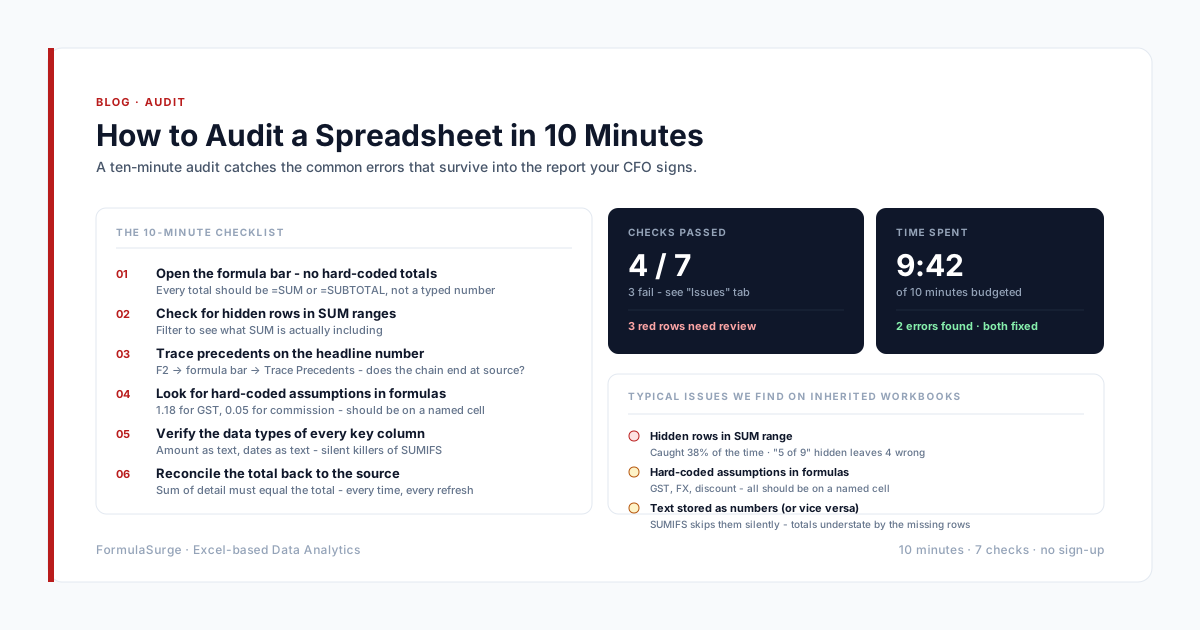
The Checks tab is the single most important tab in a financial model. If the master check at the top is red, the model is wrong and no decision should be based on it. The seven checks below are the minimum for a 3-statement model.
Check 01
Balance sheet ties
SUM of debits equals SUM of credits on the trial balance tab. Returns TRUE or FALSE. The most fundamental check.
Check 02
Cash reconciles
Closing cash on the cash flow statement equals the cash balance on the balance sheet. The most common error in amateur models.
Check 03
Net income flows
Net income on the income statement flows to retained earnings on the balance sheet. Without this check, the model drifts within a month.
Check 04
Working capital rolls forward
Receivables, payables, and inventory all roll forward with the same period as the income statement. Without this check, the balance sheet will not balance.
Check 05
Debt schedule ties
Debt opening balance plus draws minus repayments equals closing balance. Interest flows to the income statement.
Check 06
Covenants respected
If the model includes debt covenants (DSCR, leverage, current ratio), each scenario is tested. A red flag means the scenario cannot raise that debt.
Check 07
IRR/Valuation ties
For DCF and LBO models, the IRR/MOIC calculation uses the actual cash flows from the model - not a parallel set of numbers.
The ten tabs in a complete 3-statement model
01
Inputs / Assumptions tab
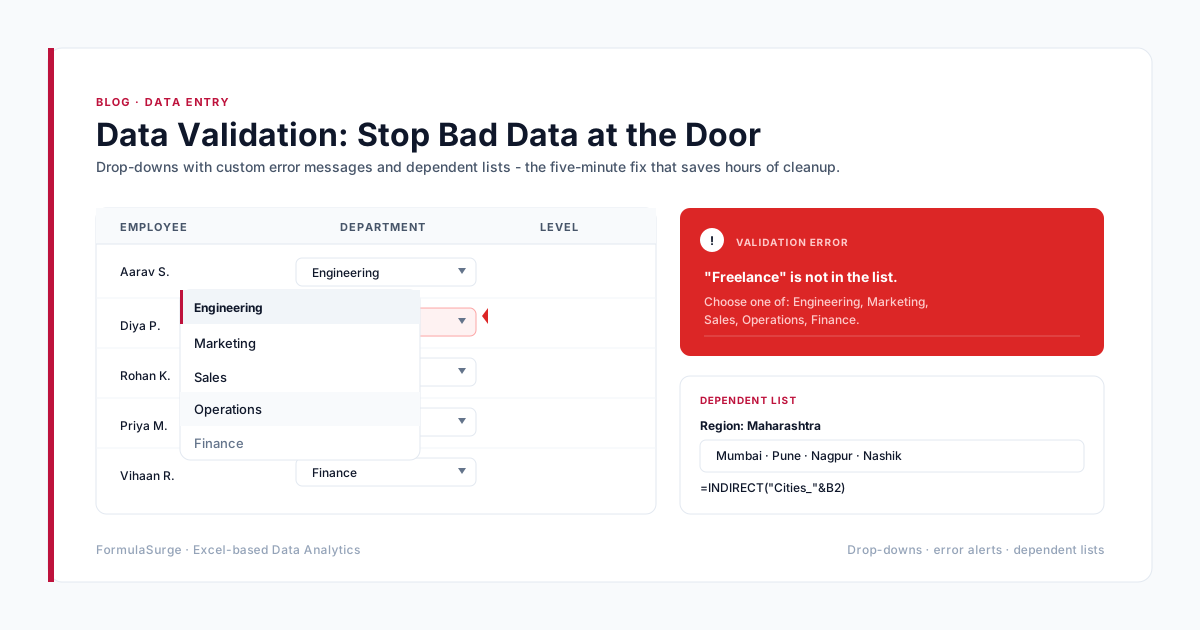
Every assumption lives here, with a named range and a comment. Growth rates, margins, capex schedule, debt schedule, exit multiple, discount rate. The senior uses XLOOKUP and Data Validation to make this tab hard to break.
02
Historicals tab
Three to five years of historical financials, mapped to the model structure. The model uses these as the base for the projections. The senior should validate historicals against the audited statements if available.
03
Income Statement
Projected revenue, COGS, opex, EBITDA, D&A, interest, tax, net income. The senior builds this as a function of the Assumptions tab - every line ties back to a named range.
04
Balance Sheet
Projected assets, liabilities, equity. Ties to the income statement through retained earnings. Ties to the cash flow statement through cash. This is where amateur models fall apart - the senior spends the most time here.
05
Cash Flow Statement
Operating, investing, financing. The indirect method, starting from net income, with working capital adjustments. Closes the loop on cash.
06
Debt Schedule
If the model includes debt, a separate debt schedule shows opening balance, draws, repayments, interest, closing balance, and covenants. Covenants are tested in every scenario.
07
DCF / Valuation
Free cash flow, terminal value, enterprise value, equity value, IRR, MOIC. The senior uses the WACC from the Assumptions tab and tests sensitivity on the WACC and the growth rate.
08
Scenario Manager
Base / Best / Worst case scenarios. Toggles on the Assumptions tab. The model shows the IRR, MOIC, and cash balance in each scenario. The senior uses Excel's built-in Scenario Manager for this, not VBA.
09
Checks tab
Seven TRUE/FALSE checks as listed above. Master check at the top. If the master check is red, no investor or board pack goes out.
10
Executive Summary tab
One-page summary of the model: revenue, EBITDA, IRR, MOIC, cash balance, key assumptions. The senior builds this for the client who is not going to read the rest of the model.
What to demand in the contract
The contract for a remote financial modelling engagement should specify the scope (which scenarios, which statements, which sensitivities), the data sources, the Definition of Done (Checks tab OK, Executive Summary tab built, documentation tab populated), the support window (30 days free), and the IP (you own the model outright at final payment). Anything missing is a future dispute. The senior should send a draft contract within one working day of the discovery call.
The senior should also send a draft of the Assumptions tab within three working days. The Assumptions tab is the most important deliverable - once the assumptions are agreed, the rest of the model is mechanical. If the senior cannot produce the Assumptions tab within three days, they are not the senior you want.
How long it actually takes
A standard 3-statement model with three scenarios and a DCF takes two to four weeks. The first week is data gathering and assumption alignment. The second week is the historicals and the projection engine. The third week is the scenarios, the Checks tab, and the Executive Summary. The fourth week is iteration based on client feedback. A complex LBO or M&A model with sensitivity tables takes three to six weeks. Anything longer than six weeks is usually a sign that the scope was not agreed up-front.