The VBA vs Power Query question is the most common automation question in any Excel engagement. The honest answer in 2026 is that the two tools are complementary, not competitive. Power Query owns the data layer. VBA owns the automation layer. The senior-built stack uses both, with each tool doing what it does best.
Power Query vs VBA: decision matrix
| Job | Power Query | VBA |
|---|---|---|
| Consolidate 30 monthly CSVs into one table | Best fit | Possible but fragile |
| Clean and reshape messy data on import | Best fit | Possible but tedious |
| One-click monthly report generation | Refresh + template | Best fit |
| Send a formatted email with the workbook attached | Not native | Best fit |
| Cross-source joins (SQL-style) | Best fit | Not native |
| User forms and interactive UI | Not possible | Best fit |
| Audit trail and step-by-step refresh log | Built in | Manual |
| Reconciliation between two workbooks | Best fit | Possible |
Five signs the job is Power Query
- The data comes from somewhere - CSV exports, Tally, SAP, a portal, an API.
- You need to refresh the workbook more than once.
- Several people use the workbook - refresh is one click for everyone.
- You need an auditable pipeline - every step is visible, named and editable.
- The data is large (10K+ rows) and refresh needs to be fast.
Five signs the job is VBA
- You need to send an email, save a PDF, or trigger an external action.
- You need a custom user form (UserForm, input boxes, dialogs).
- There is no data source - you are generating output from typed inputs.
- You are maintaining a legacy workbook with many existing macros.
- You need to work with other Office apps (Word, Outlook, PowerPoint).
What Power Query does best
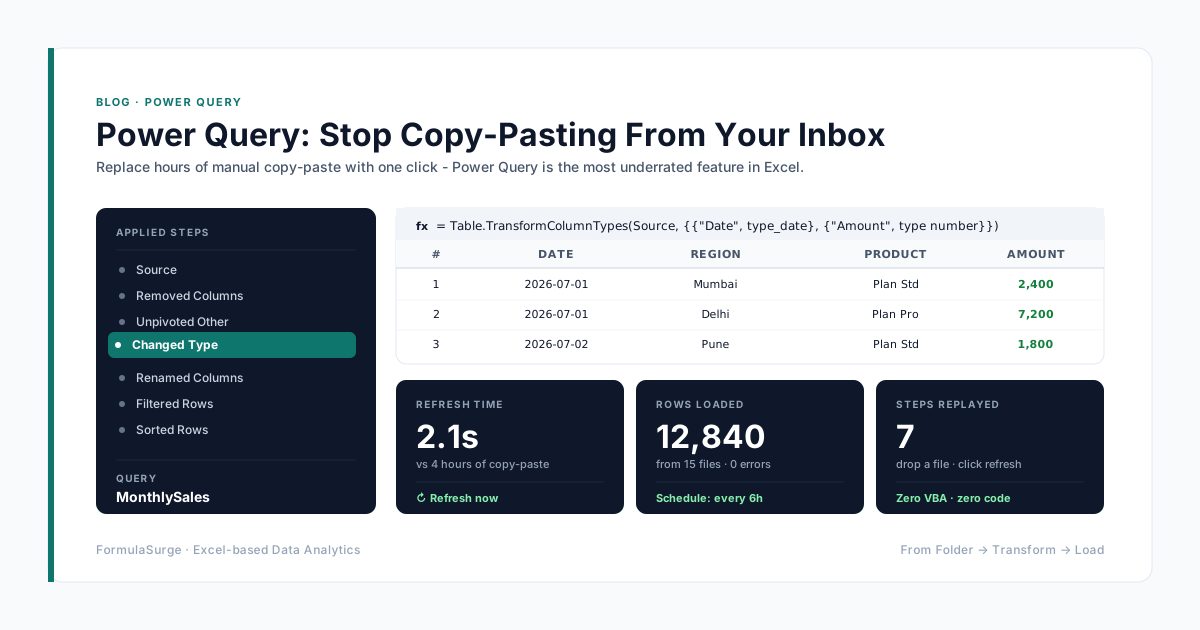
Power Query is the data layer. The pattern: connect to a source (CSV, database, API, folder), transform the data (filter, pivot, merge, unpivot), load to the data model. Every step is auditable, every step is refreshable, every step is documented. The senior uses Power Query for any data work that needs to be repeated - the data ingest for the close, the data ingest for the dashboard, the data ingest for the model.
What VBA does best
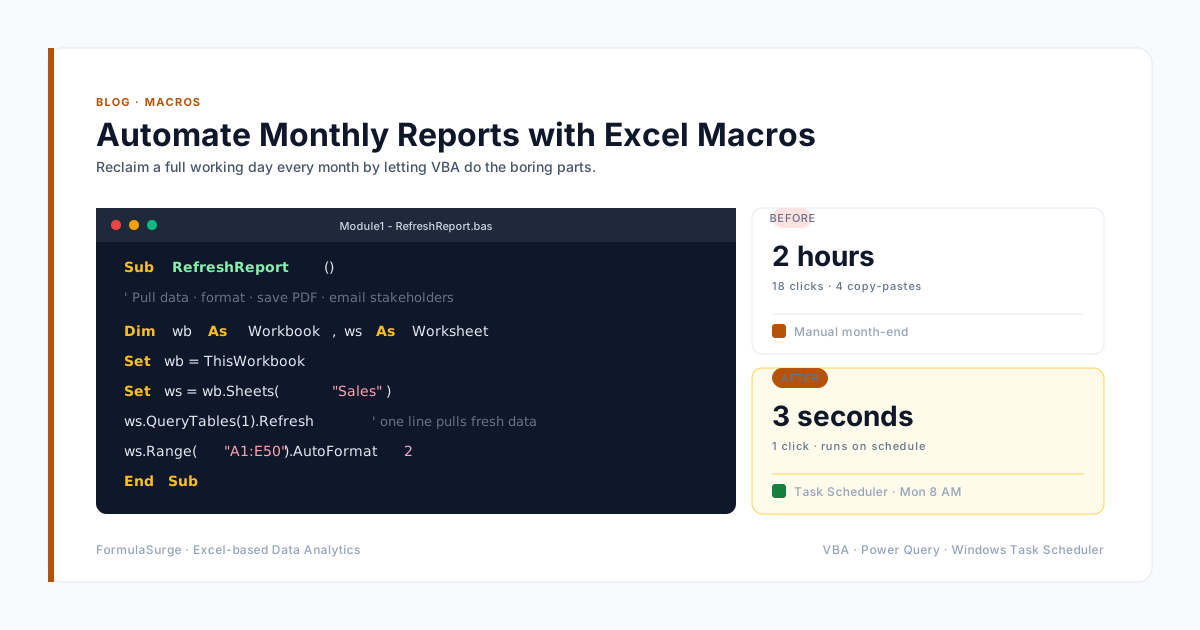
VBA is the automation layer. The pattern: a button that triggers a macro, a macro that calls the data layer, a macro that exports the output. The senior uses VBA for any feature that interacts with the user (forms, dialog boxes, buttons) or the operating system (files, emails, applications). VBA is the right tool for scheduled reports, PDF exports, and email distribution.
The combined pattern
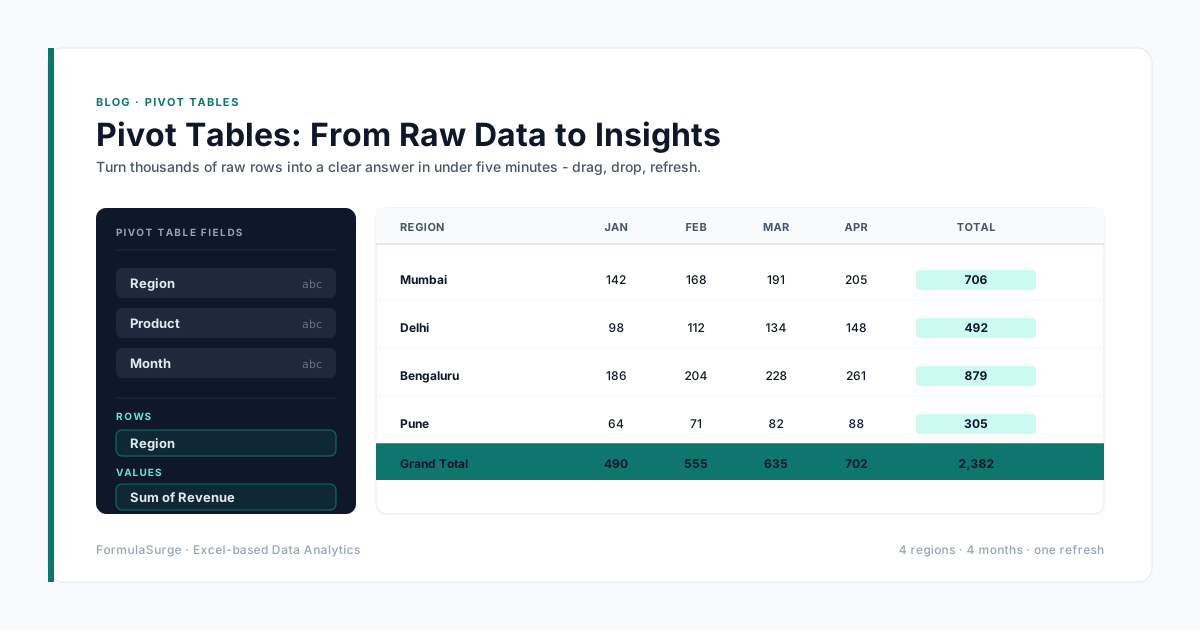
The senior-built automation stack uses both. The pattern: Power Query ingests the data from Tally, SAP, and bank → the data lands in a Table → a Pivot Table summarises the data → a dashboard tab shows the KPIs → a VBA macro on a button refreshes Power Query, refreshes the Pivot Tables, exports the dashboard as a PDF, drafts the email, and waits for approval before sending. The whole process is one button click. This is the standard pattern for any recurring report.
When to use Office Scripts
Office Scripts is the modern alternative to VBA, available in Excel 365. The senior uses Office Scripts for any new automation in Excel 365 - the syntax is TypeScript, the editor is in Excel, the run environment is the cloud. VBA is preserved for any feature that has to work in older Excel versions. The pattern is the same; the language is cleaner. The senior recommends Office Scripts for any new engagement that is firmly on Excel 365.