The accountant who knows Excel at the senior level is worth three accountants who do not. The pattern is: the senior ships a workbook that closes in four hours instead of five days, the client sees the difference in the first month, and the engagement extends. The six skills below are the ones the senior accountant masters in the first year. The four templates are the ones every close workbook needs.
The six core skills
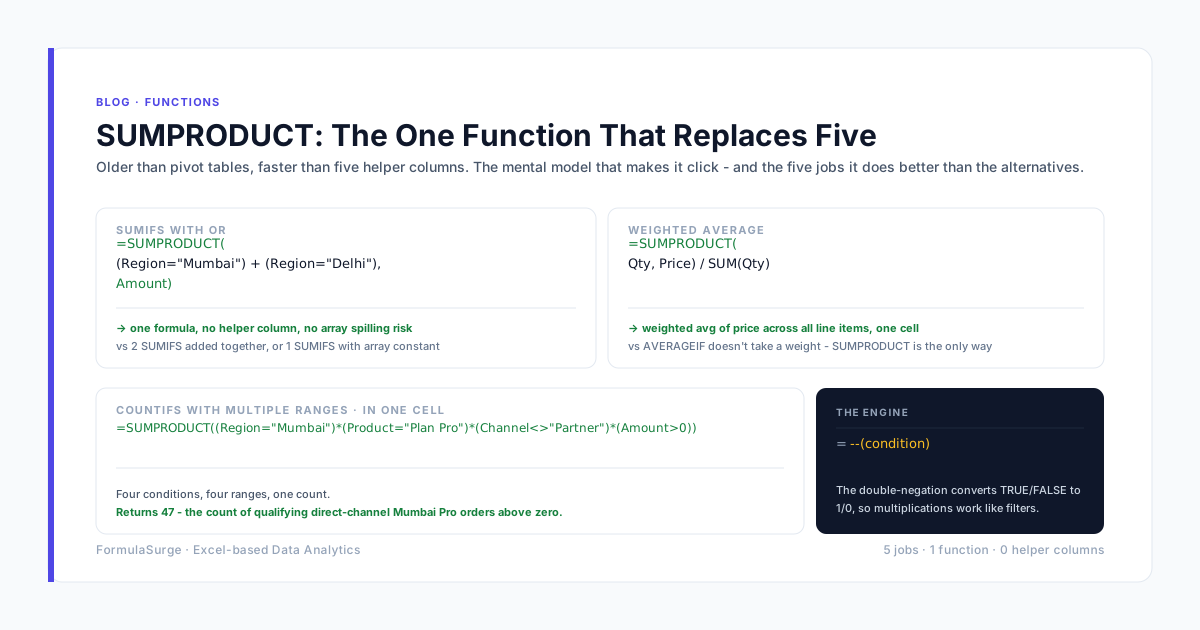
SUMIFS and COUNTIFS
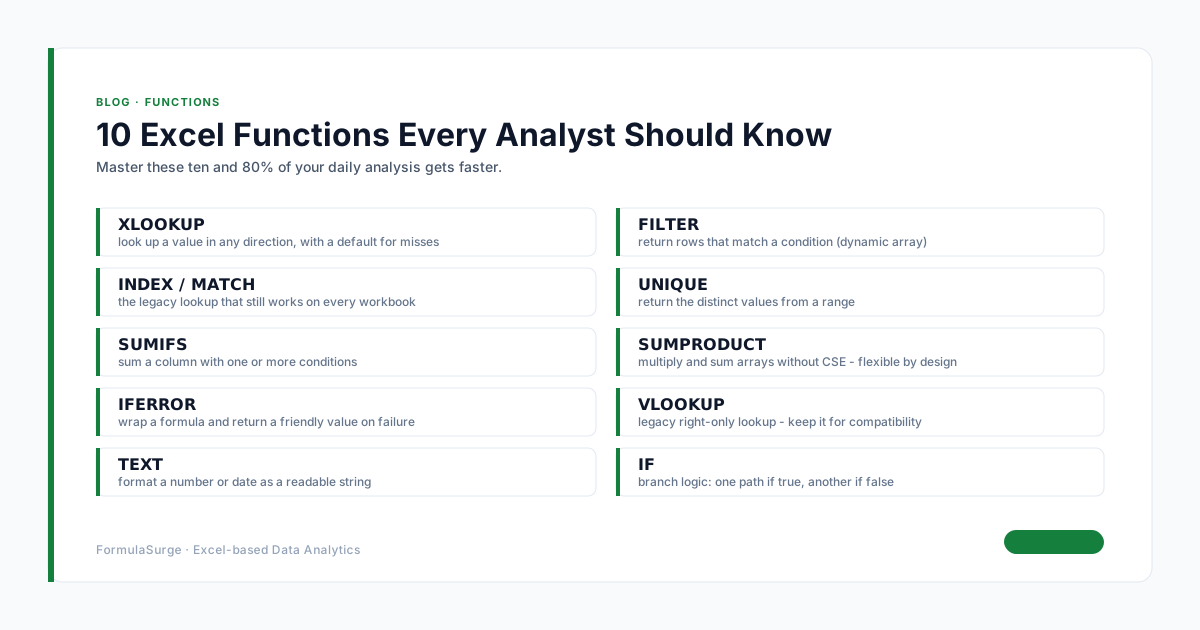
The workhorse of any accountant's toolkit. SUMIFS totals by any combination of criteria; COUNTIFS counts. The senior uses these for monthly totals, YTD totals, by-entity totals, by-account totals, by-class totals. Mastery is non-negotiable.
XLOOKUP and INDEX MATCH
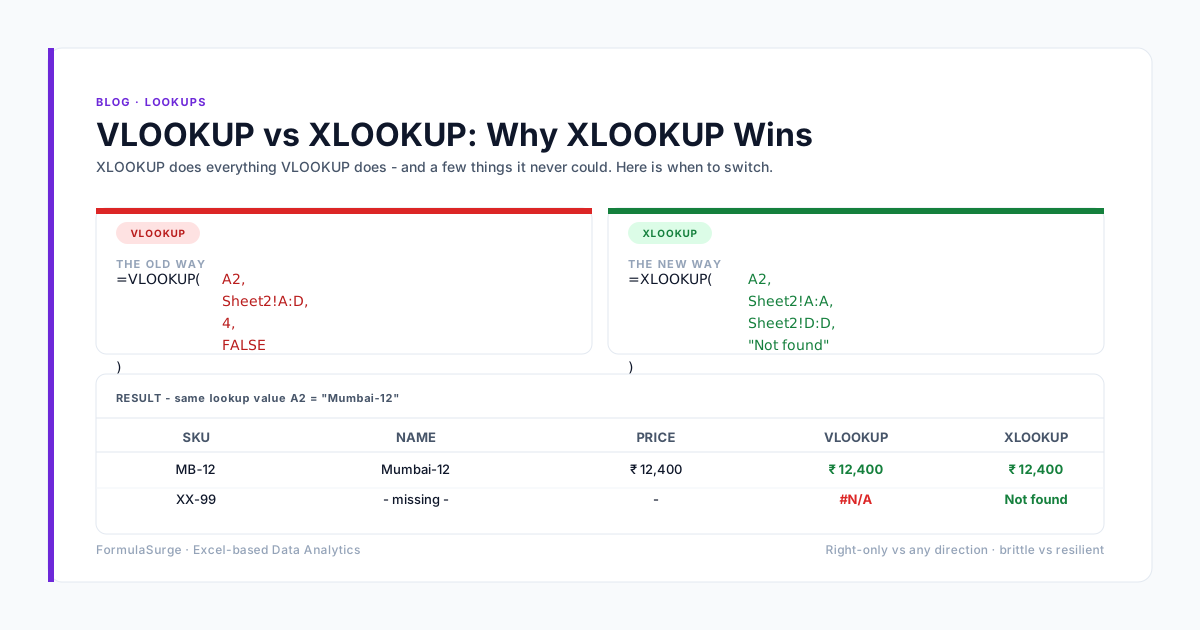
XLOOKUP for any new work. INDEX MATCH for legacy work. Both replace VLOOKUP. The senior uses these for customer/vendor lookups, intercompany matching, and any other key-based reference. Mastery cuts formula length in half.
Power Query
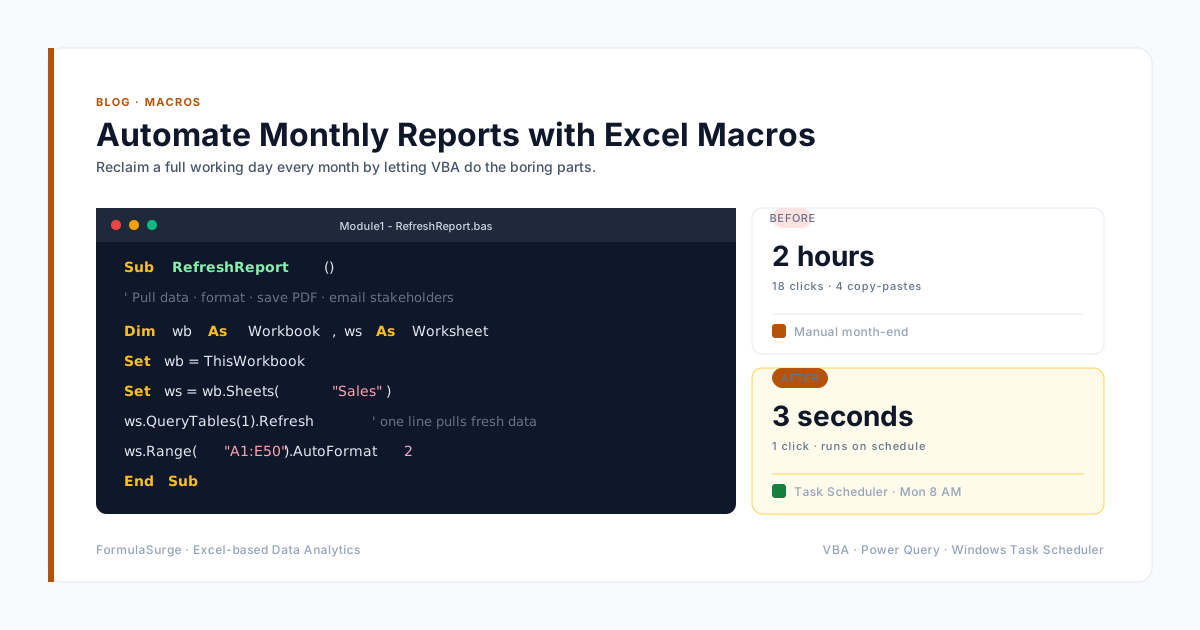
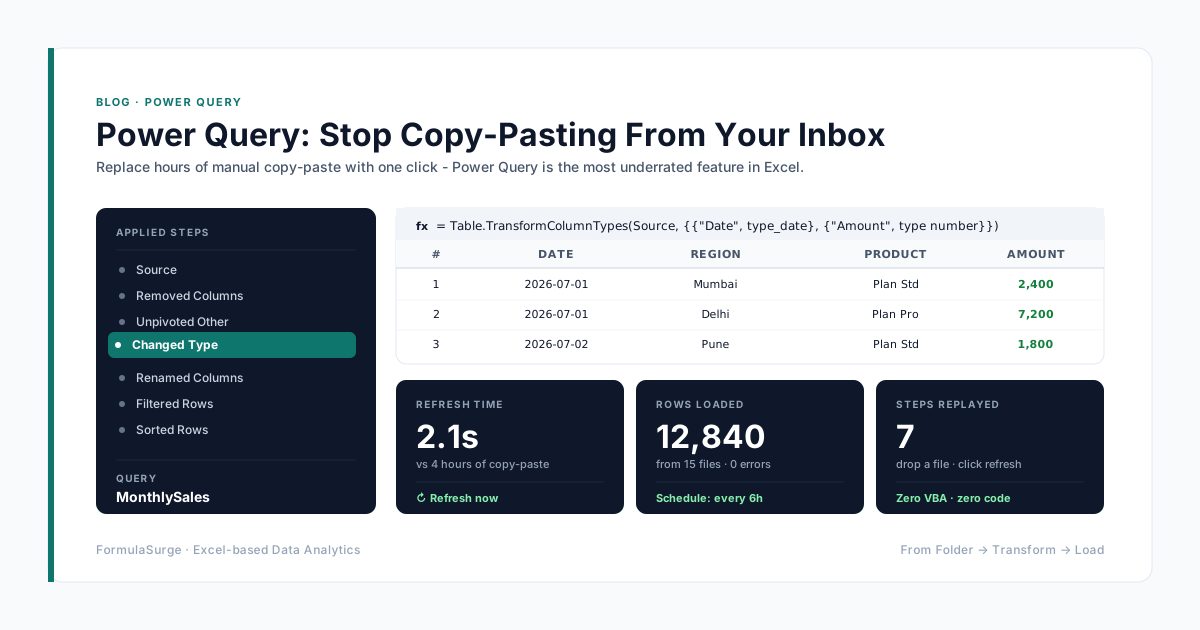
The data import layer. Power Query ingests Tally, SAP, Zoho, bank CSVs, GST JSON, and any other source. The senior uses Power Query to replace 2-3 hours of copy-paste per day with a single Refresh All click. Mastery is the single biggest unlock for any accountant.
Pivot Tables
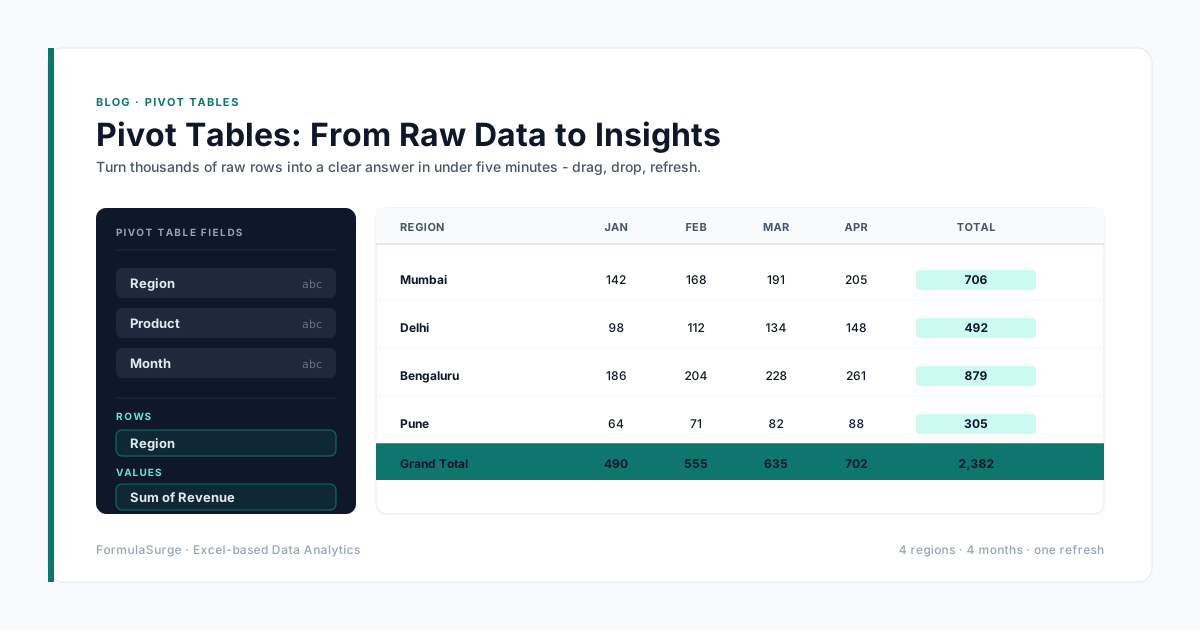
The analysis layer. Pivot Tables summarise by any combination of dimensions with a drag-and-drop interface. The senior uses Pivot Tables for any ad-hoc analysis and for the dashboard tiles. Mastery is the difference between a 2-day analysis and a 2-hour analysis.
Conditional formatting
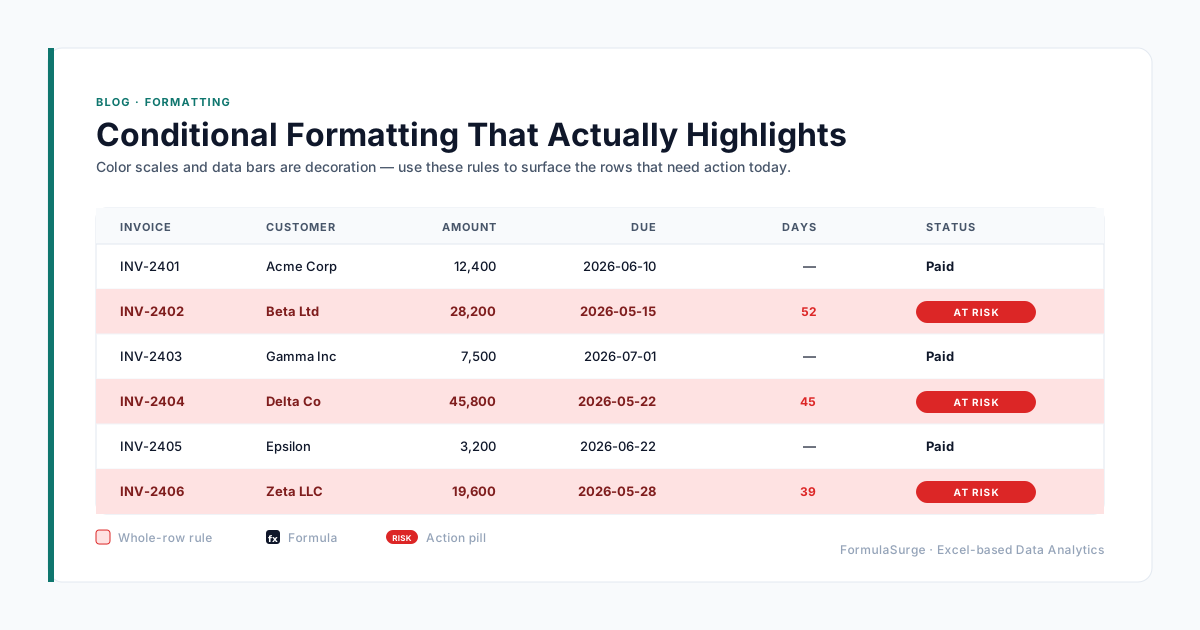
The visual layer. Conditional formatting turns red flags red and good numbers green. The senior uses formula-based conditional formatting (not the built-in presets) to surface action. Mastery is the difference between a workbook that gets read and one that gets ignored.
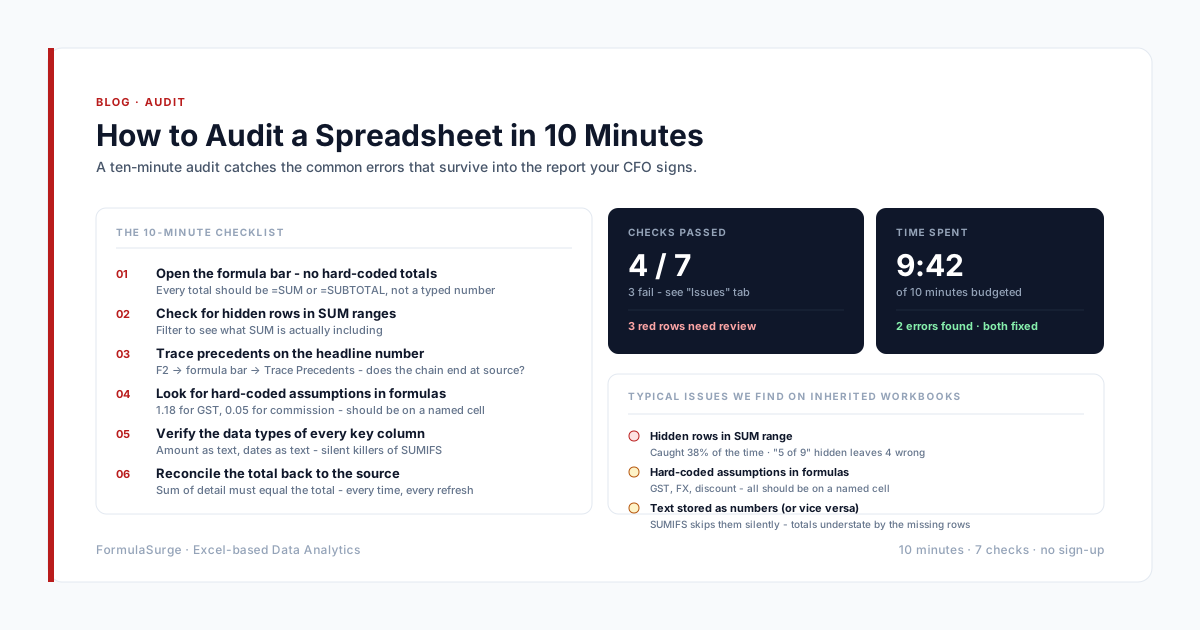
Checks tab
The audit layer. A Checks tab with 5-7 TRUE/FALSE flags is the single most important tab in any accountant's workbook. The senior puts a master check at the top and pauses the close if it returns REVIEW. Mastery is the difference between a close that ships and one that gets questioned.
The four templates
The right template is the one that fits the engagement. The four below are the ones the senior uses 90% of the time. The exact structure is tuned to the client; the bones are the same.
Sole trader close
Transactions tab → Reconciliation tab → Report tab → Checks tab
Single client, single entity, monthly close. The simplest pattern. Ships in 3-5 days. The senior uses this as the starting point for any new sole-trader engagement.
Multi-entity group close
One workbook per entity → Consolidation workbook with Power Query From Folder → Group report tab → Checks tab
Multiple entities, single group, monthly close. The pattern handles currency translation, intercompany elimination, and minority interest. Ships in 3-4 weeks.
CA practice tracker
Master client list → One workbook per client → Practice-wide deadline tracker → Billable hours tracker
CA practice with 100-300 clients. The pattern handles GST, TDS, advance tax, ROC deadlines for every client in one place. Ships in 4-6 weeks.
Audit working papers
Lead schedules → Sub-schedules → Tie-out formulas → Cross-reference index → Sign-off page
Statutory audit working papers. The pattern handles ISA / ASA standard working papers, partner review sign-off, and final delivery. Ships in 1-2 weeks per engagement.
How to upskill in 90 days
The fastest path to senior-level Excel for an accountant: 30 minutes a day, 5 days a week, for 12 weeks. The first month is SUMIFS, COUNTIFS, and XLOOKUP. The second month is Power Query. The third month is Pivot Tables, conditional formatting, and the Checks tab. By the end of the 12 weeks, the accountant can build a close workbook from scratch and the close time drops from days to hours. The curriculum is the same for every team.