What changed
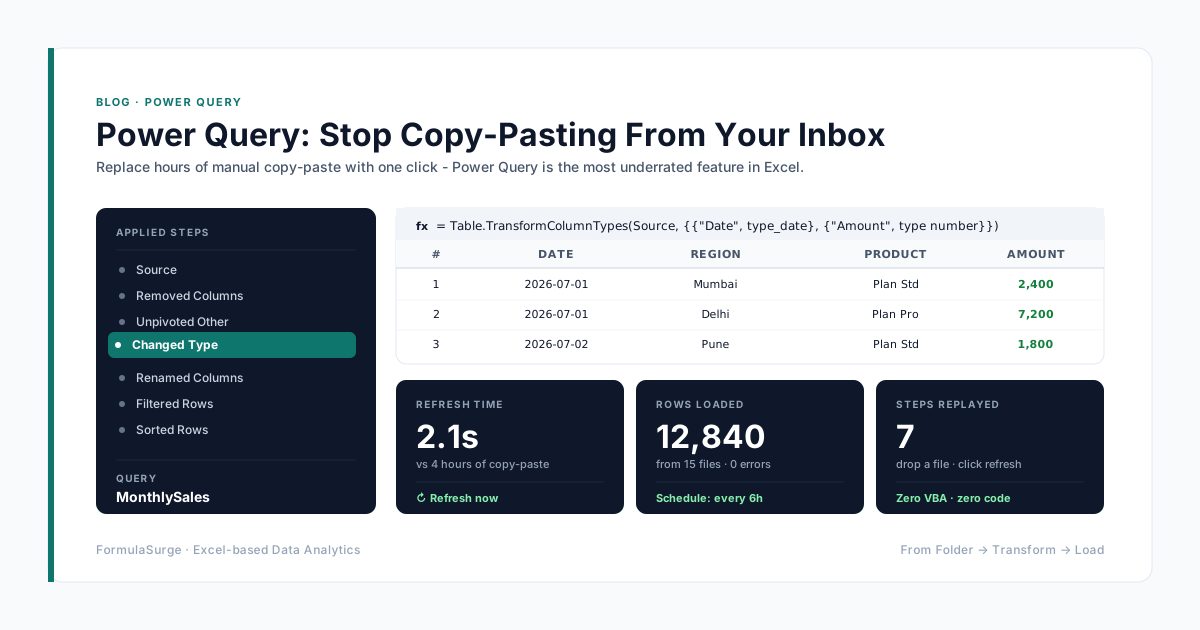
Bringing a bank statement or ERP export into Excel has meant opening the file and copy-pasting, or setting up a Power Query connection. The new import functions do it with a single formula that spills the whole file into the sheet.
Syntax
- IMPORTCSV(path, [skip_rows], [take_rows], [locale]) - commas and UTF-8 only.
- IMPORTTEXT(path, [delimiter], [skip_rows], [take_rows], [encoding], [locale]) - delimiter defaults to tab; encoding defaults to UTF-8.
- skip_rows / take_rows: a negative number counts from the end of the file.
- locale: controls how dates and numbers are read; defaults to your operating system's setting.
Five examples
Load a whole CSV:
=IMPORTCSV("C:\Exports\sales.csv")Skip the header row:
=IMPORTCSV("C:\Exports\sales.csv", 1)Only the last 30 rows of a bank export:
=IMPORTCSV("C:\Exports\bank.csv", , -30)A pipe-delimited ERP export:
=IMPORTTEXT("C:\Exports\erp.txt", "|")A fixed-width ledger file, split at the given character positions:
=IMPORTTEXT("C:\Exports\ledger.txt", {1,11,41})Will this break your workbook?
- Almost nobody else can calculate it. It is an Insiders Beta preview on Windows. Colleagues, clients and auditors see #NAME?.
- Previews can be withdrawn. The COPILOT function went from preview to removed in 2026 and its cells turned into #NAME?. Do not build a monthly report on a preview function.
- It does not refresh on its own. Someone has to press Refresh All, exactly like a Power Query connection.
- Local paths travel badly. C:\Exports\sales.csv only exists on one PC. On anyone else's machine the formula fails.
- Dates depend on locale. A DD/MM file read with a US locale gives wrong dates silently. Set locale explicitly, then spot-check a date above the 12th.
Use Power Query for now
For a report other people rely on, load the file with Power Query (Data → From Text/CSV). It works in every current Excel version, cleans the data on the way in and refreshes the same way. Try the import functions on your own scratch workbooks until Microsoft releases them to the Current Channel.