Chartered Accountant practices spend hundreds of billable hours every tax season manually matching GST ledgers, verifying TDS deductions, and consolidating multi-entity trial balances. The seven automations below are the ones we ship most often in Indian CA practices. They are built on Power Query, Power Pivot, and a small amount of VBA - all of it is in Excel 365 already, no new platform, no new licence, no migration.
The seven automation wins
Each automation is a fixed-scope project that ships in one to three weeks. The total suite ships in six to ten weeks. The savings are typical for a 10-15 staff CA practice handling 100-300 clients. The exact savings depend on the client mix and the engagement volume, but the pattern is consistent: 2-3 days per partner per month of recovered time.
01
GST GSTR-2B vs Purchase Register Automation
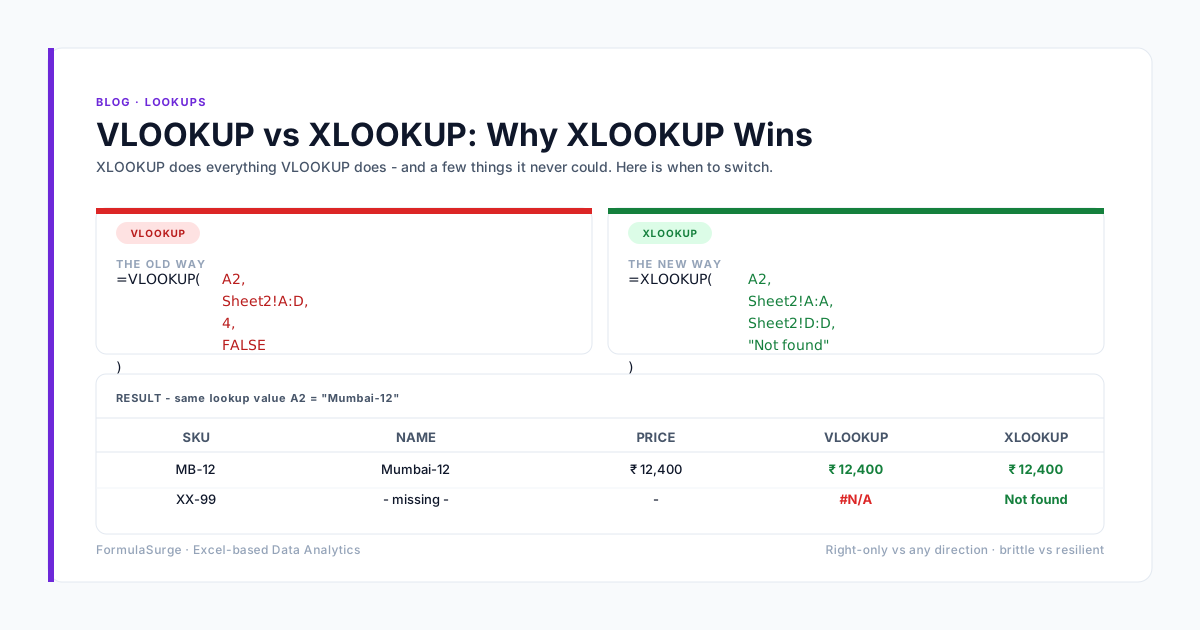
Instead of running manual VLOOKUPs across thousands of invoices, a Power Query pipeline automatically cleans portal JSON/Excel dumps, matches GSTIN and invoice numbers, and flags ITC mismatches in seconds. The reconciliation tab highlights every unmatched invoice in red. The output is a one-page summary: matched value, unmatched value, action list. The reconciliation that used to take 2 days takes 5 minutes.
Typical saving: 2 days/month per client
02
Automated Bank Statement Categorization
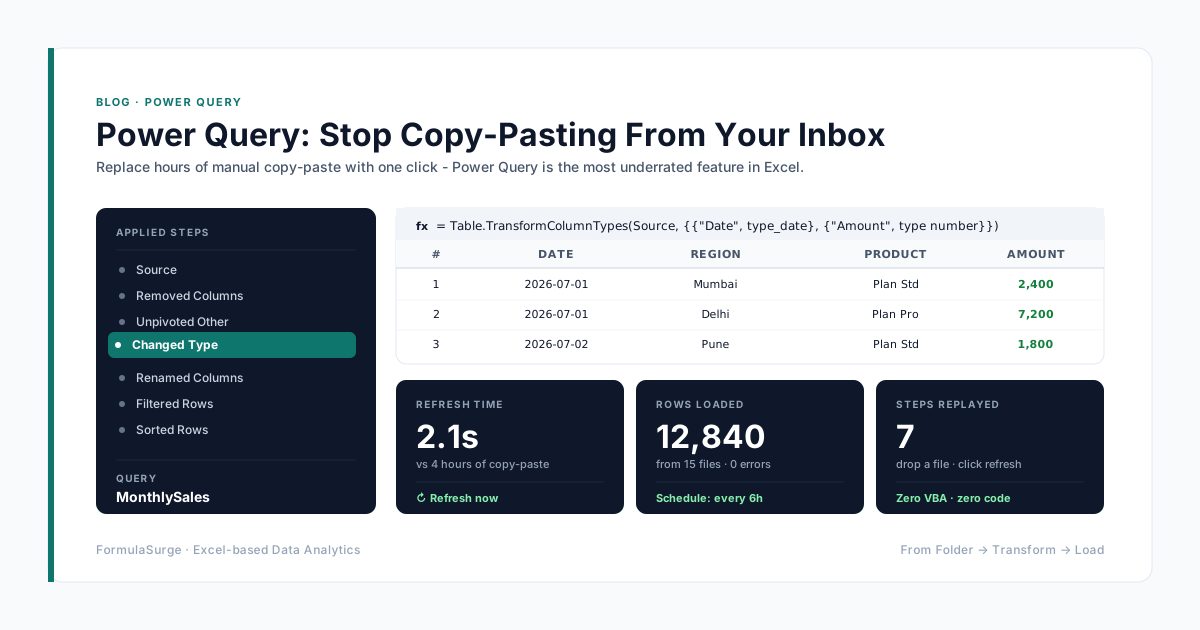
Import PDF or Excel bank dumps directly through Power Query. Custom text-matching rules automatically categorize transactions into rent, utilities, vendor payments, and client receipts without manual tagging. The pattern uses M code with a Category Table that the senior can update without breaking the query. New bank statement formats are handled with a 30-minute query update, not a re-build.
Typical saving: 3-4 hours per month per client
03
TDS Deduction and Rate Verification
Automated validation rules cross-reference payment amounts against threshold limits under Section 194C, 194J, and 194H, instantly highlighting under-deductions before audit filing. The pattern uses a TDS Master Table with section, threshold, rate, and applicability. Each transaction is matched against the master and flagged for review. The output is the Form 26Q ready for upload.
Typical saving: 1 day/month per client
04
Practice-Wide Client Compliance Tracker
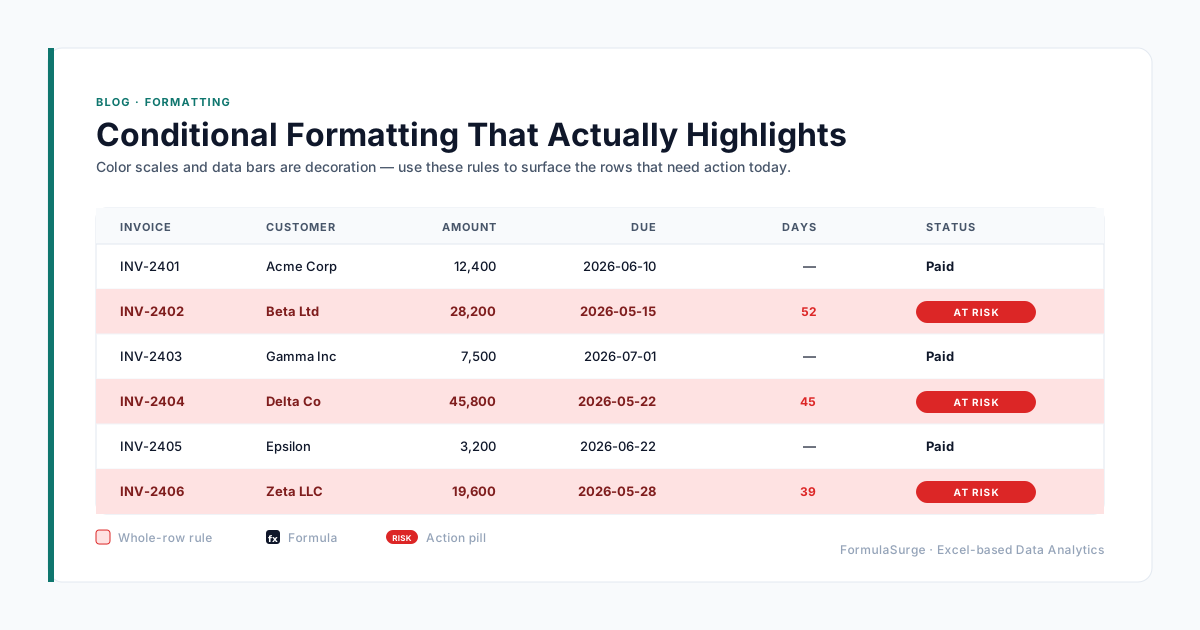
A central master tracker with automated status indicators that alerts senior partners on upcoming GST, TDS, Advance Tax, and ROC filing deadlines across all client groups. The pattern: one row per client per deadline, conditional formatting that turns red 7 days before the deadline, and a daily email digest. The senior partner opens the dashboard and sees what needs attention today.
Typical saving: Missed deadlines down to zero
05
Multi-Branch Trial Balance Consolidation
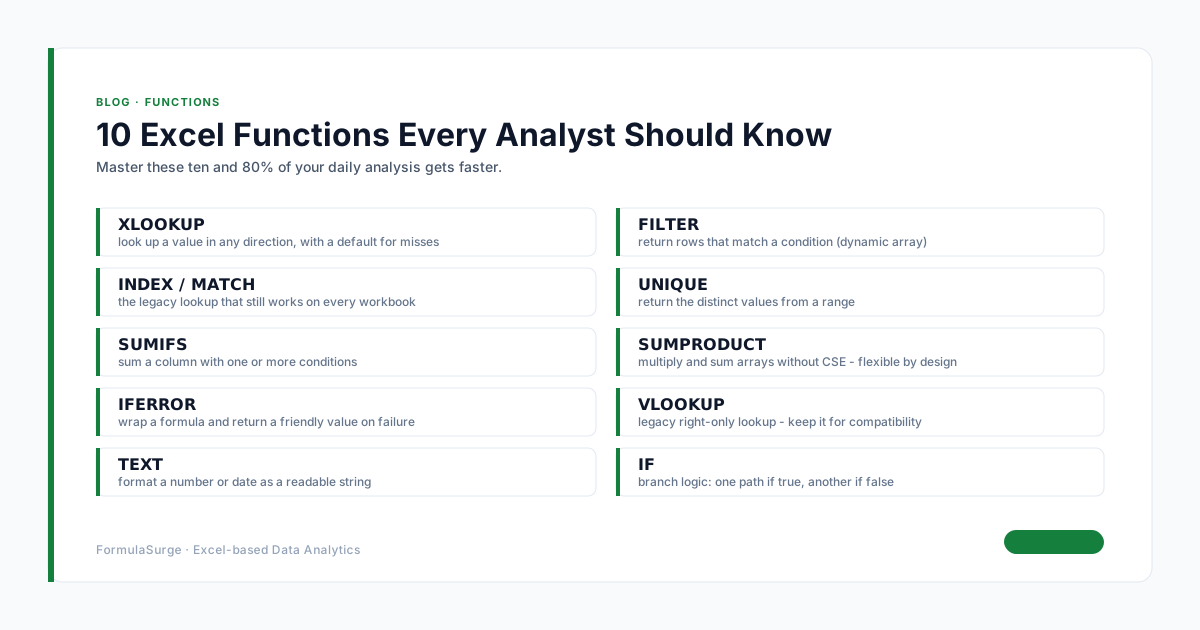
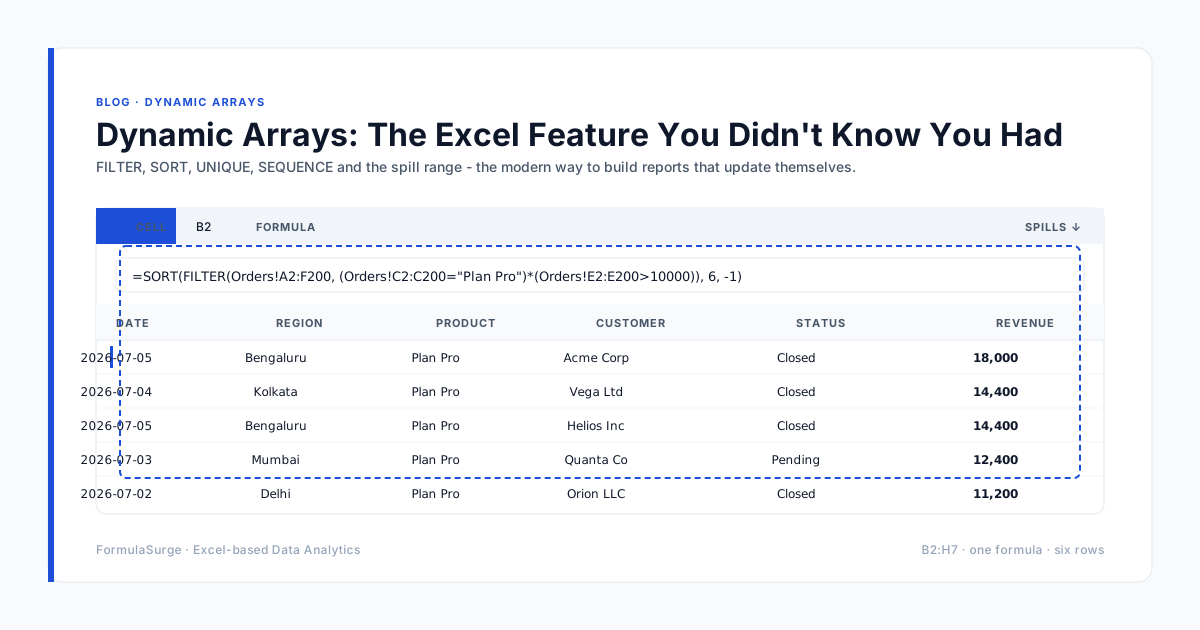
Standardized Excel templates with dynamic array formulas (FILTER, UNIQUE, XLOOKUP) that merge separate branch trial balances into a single consolidated financial statement without manual copy-pasting. The pattern: each branch drops its TB in a sub-folder, Power Query From Folder reads all of them, the consolidated TB is generated automatically. The partner gets a single set of numbers, refreshed on demand.
Typical saving: 1 day per consolidation
06
Client Invoice and Email Distribution
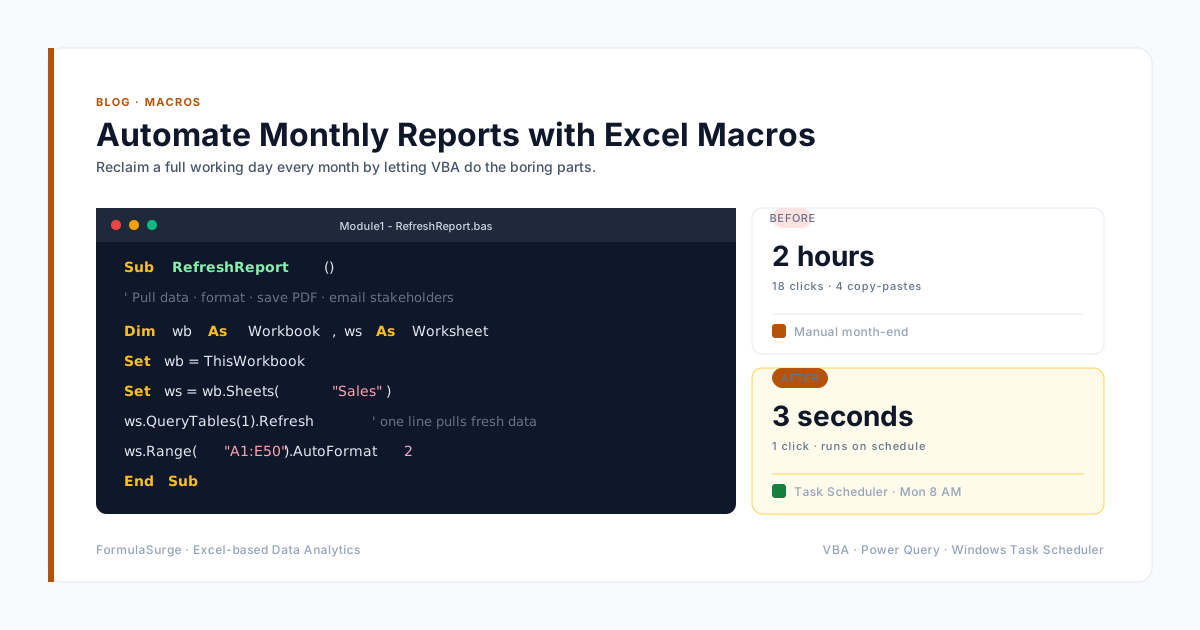
A small VBA macro that generates a PDF invoice for every client, attaches it to an email, and sends it to the client distribution list. The pattern: a list of clients with email addresses, a template, and a single button click. The macro reads the list, generates the PDFs, opens Outlook, drafts the emails, and waits for partner approval before sending.
Typical saving: 1 day per billing cycle
07
Audit Working Paper Automation
A working paper template that automates lead schedules, sub-schedules, and tie-outs. The pattern: a master template with all the standard schedules, named ranges for the trial balance references, and XLOOKUP for the sub-schedule pull. The auditor opens the template, points at the client TB, and the working papers are ready in under an hour.
Typical saving: 1-2 days per audit
The technology stack for a modern CA practice
The stack below is the one we ship on every senior CA practice engagement. Each layer is a separate skill; the senior knows all six. The junior learns three of them and grows into the rest over 12-18 months.
Data ingest · Power Query
Imports Tally XML/JSON, Zoho Books, GST portal JSON, bank CSVs, Form 26Q, Form 16A. One query per source. Refresh on demand or on schedule.
Data model · Power Pivot (Data Model)
Star schema with one fact table (transactions) and dimension tables (clients, vendors, GSTIN, sections, periods). DAX measures for totals and ratios.
Reconciliation · XLOOKUP + Power Query merge
Match transactions across sources. Flag mismatches with conditional formatting. The reconciliation tab is one formula per row.
Visualisation · Pivot Tables + Slicers + Charts
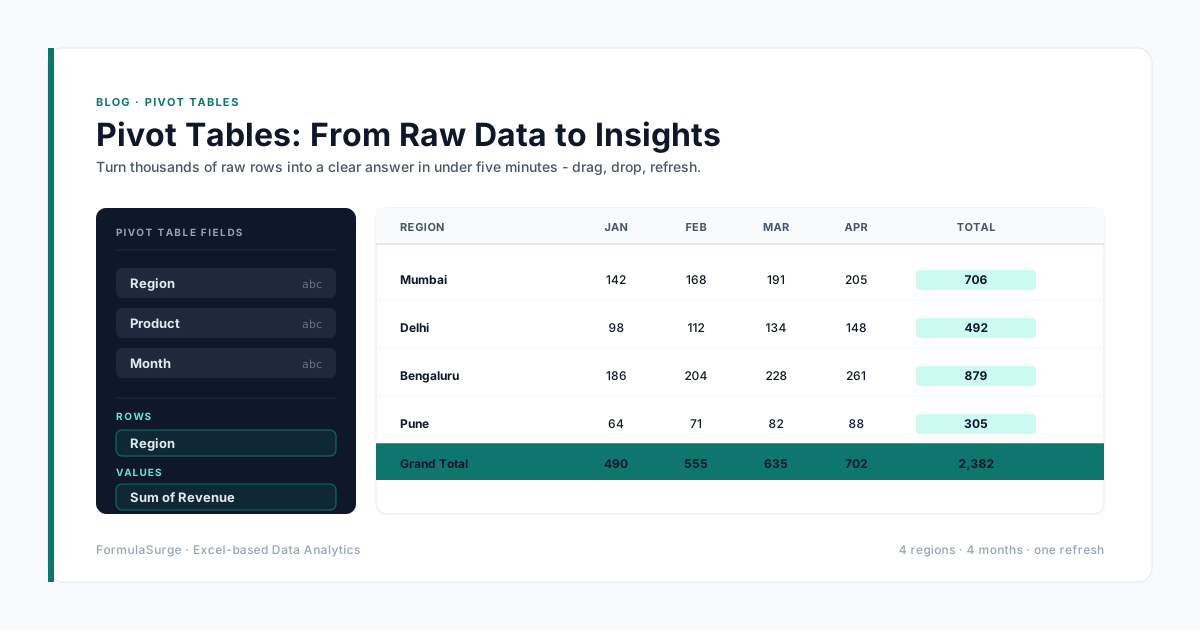
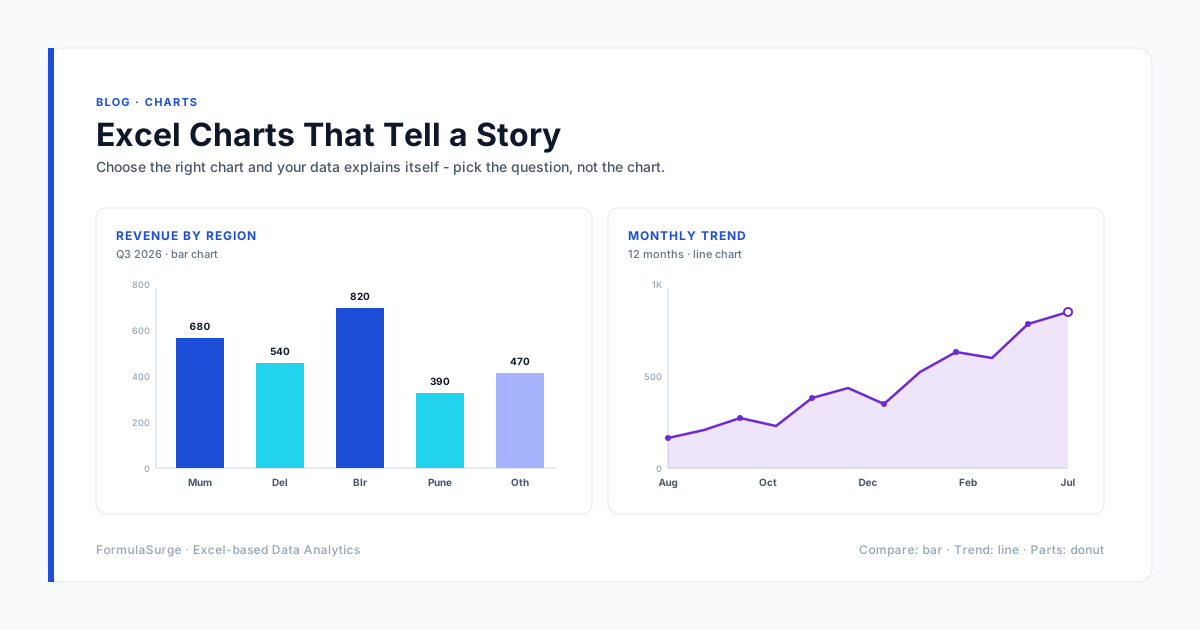
One Pivot Table per reconciliation. Slicers for client, period, and section. Charts for trend and breakdown. The partner's dashboard is one tab.
Distribution · VBA macro
Generate PDFs, draft emails, attach PDFs, save the draft for partner approval. Runs on a button click. No third-party tools.
Checks · TRUE/FALSE Checks tab
TB ties, GST matches, TDS respects thresholds, deadlines not missed. Master check at the top. If red, no report goes out.
The five mistakes to fix first
The mistakes below are the ones we see in 9 out of 10 CA practice workbooks. Fixing them is the prerequisite to any of the seven automations above. The good news is that the fixes are quick - most take a day each.
One workbook for 50 clients
This is the most common mistake in Indian CA practices. The workbook is unmaintainable within 6 months. The fix: one workbook per client, with a master client list that points to each workbook via hyperlink.
Hard-coded thresholds
TDS thresholds change every year. A hard-coded threshold in a formula is a bug waiting to happen. The fix: TDS Master Table with section, threshold, rate, and applicability. The threshold is one cell that updates once a year.
Manual email distribution
Sending 50 client emails by hand is a 4-hour job. The fix: a VBA macro that drafts the emails and waits for partner approval. Saves 3-4 hours per billing cycle.
Unprotected input cells
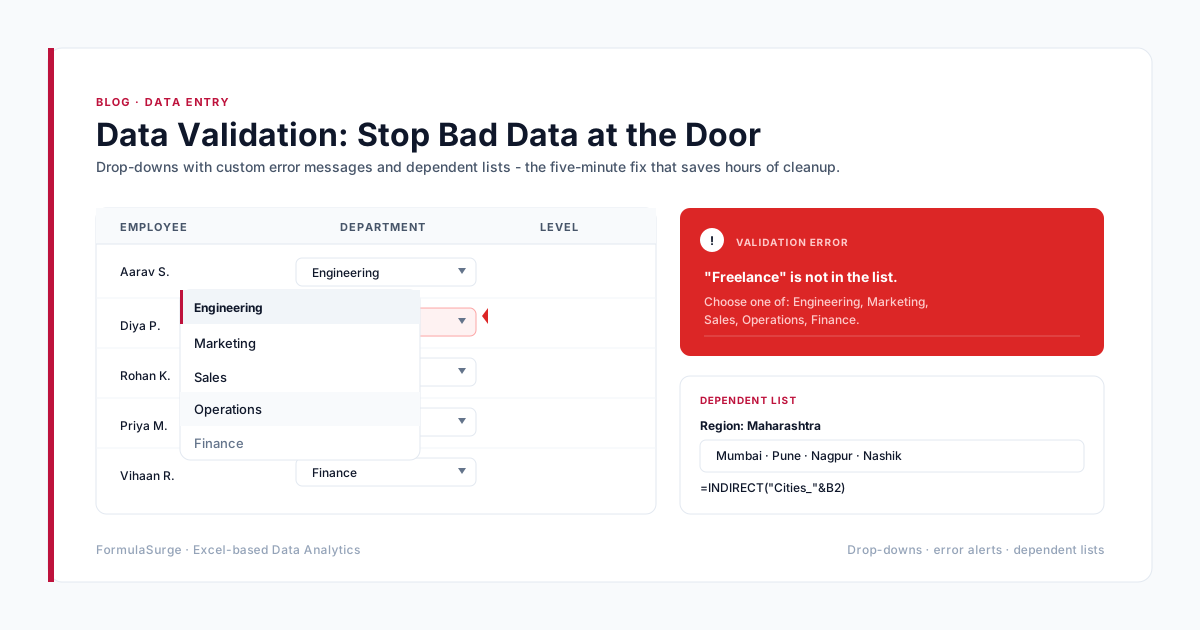
If the input cells are not protected, the junior will type a number into a formula cell by accident. The fix: Sheet Protection with the input cells unlocked, the formula cells locked, and a password the partner remembers.
No documentation
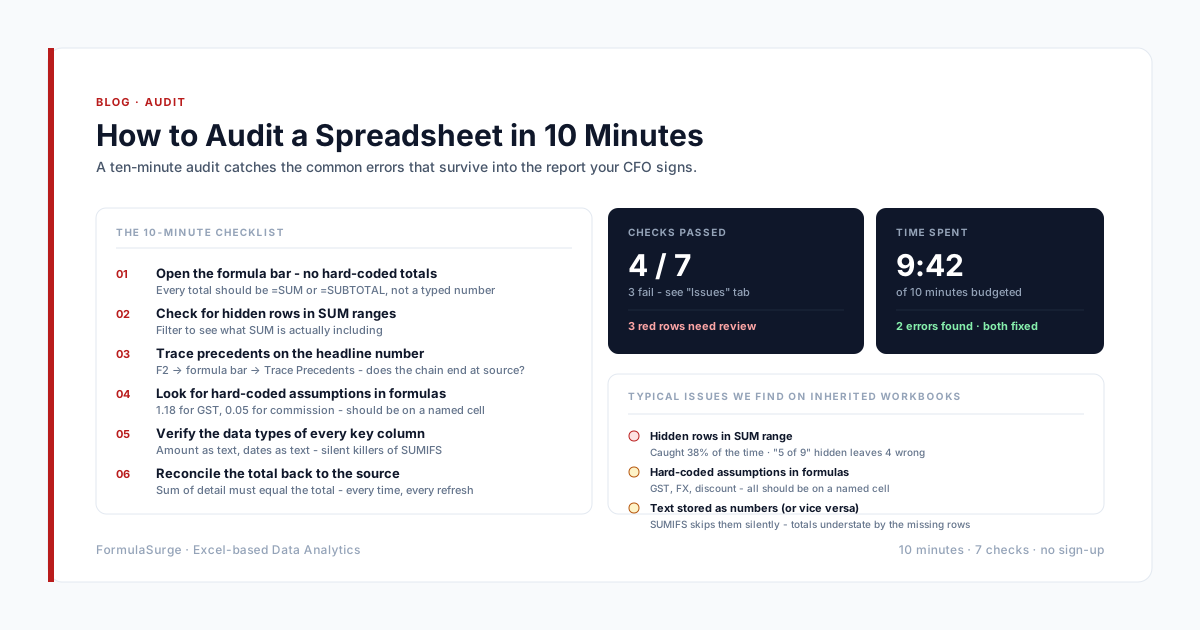
A workbook without a Documentation tab is a workbook that dies when the senior leaves. The fix: a one-page documentation tab listing every input, every output, every Power Query connection, every named range, and every Check.
How to start the engagement
The right way to start is a one-day diagnostic of the existing practice workbook. The senior sits with the partner for two hours, walks through the current workbook architecture, and identifies the three highest-ROI automations. The diagnostic ends with a one-page proposal: the three automations, the savings, the price, the timeline. The partner signs and the first automation starts the following week. Total elapsed time: two weeks from first call to first automation in production.