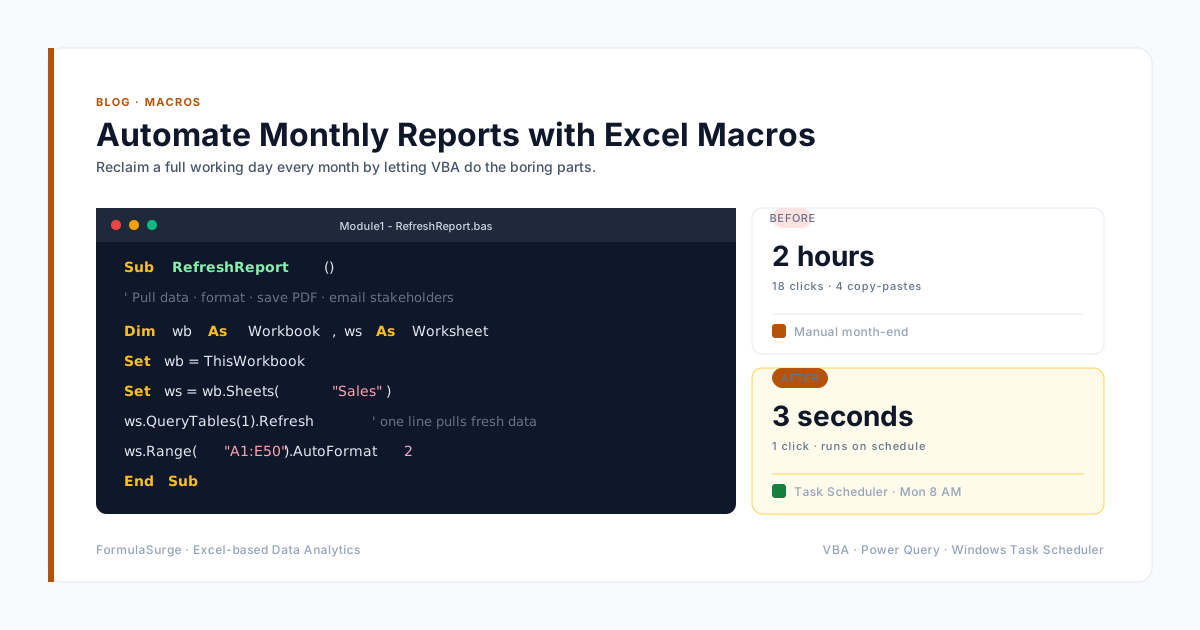
Ask around your office how long month-end reporting takes. If the answer is measured in days, this post is for you - because almost all of that time is spent on steps a macro can do in seconds.
If you want this workflow built for your team's recurring reports, see our Excel report automation service.
What a reporting macro actually does
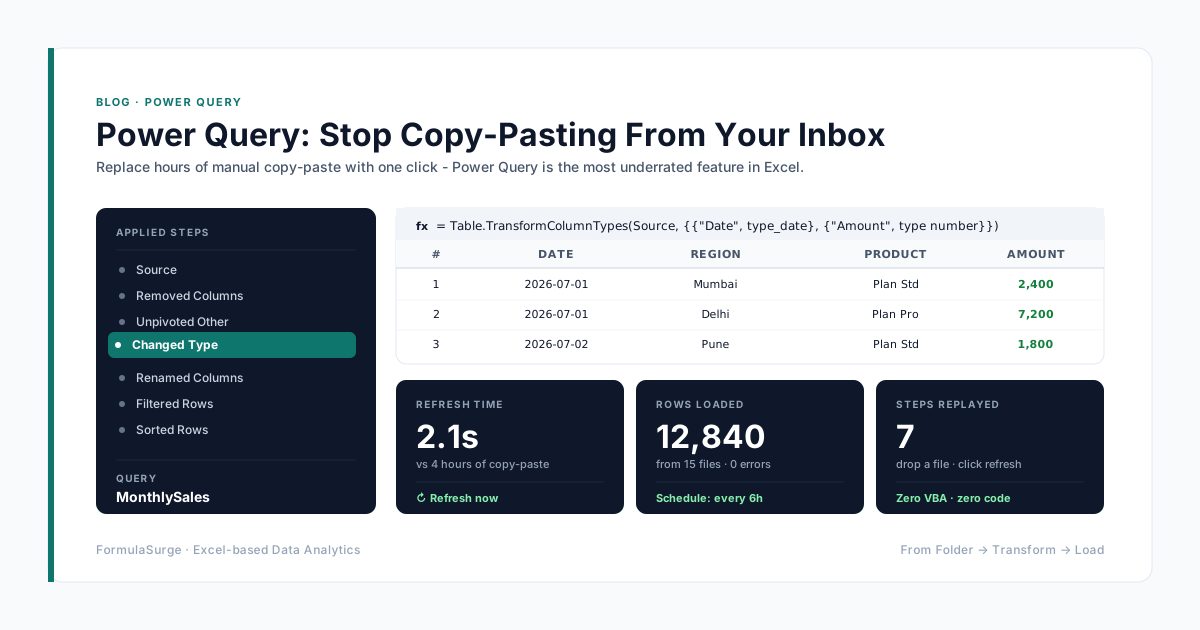
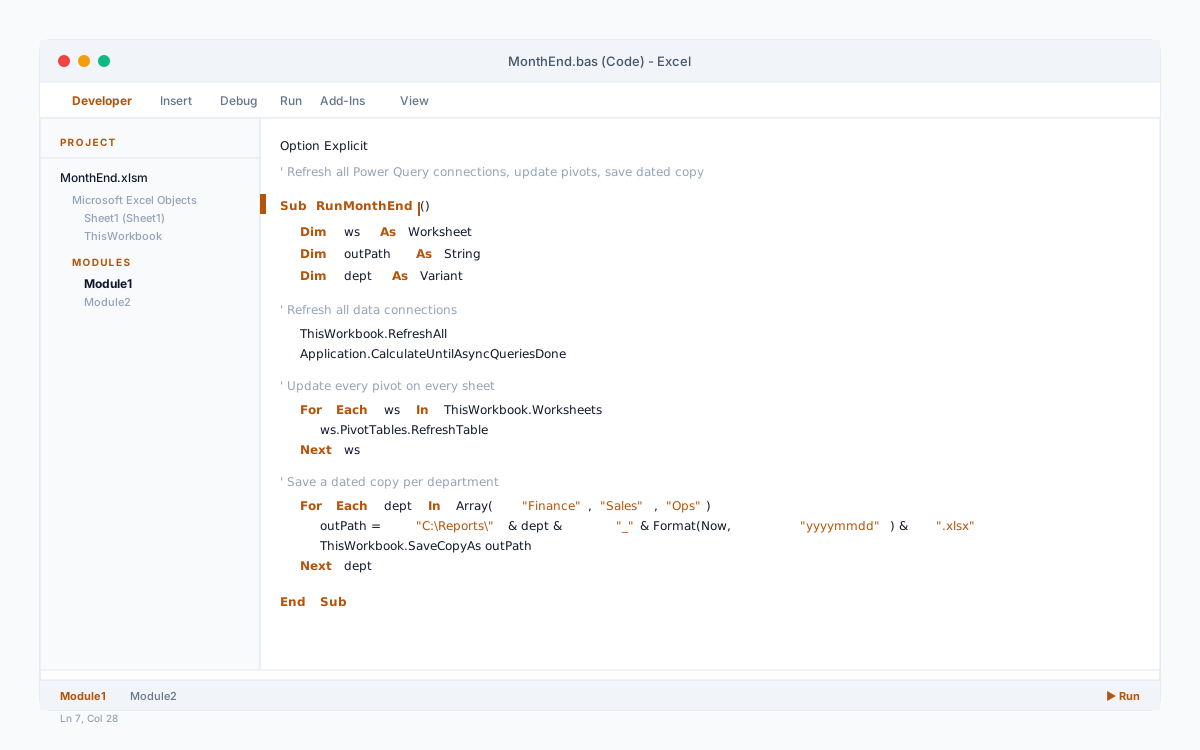
A typical month-end macro we build: opens the latest exports, refreshes every Power Query connection, updates the pivot tables, fixes the formatting, saves a dated copy per department and exports the summary sheet to PDF. Total runtime: under a minute.
Start with the recorder, finish with an editor
The macro recorder is the honest way in - perform your routine once and read the code it writes. Recorded code is clumsy, but it shows you the object names for everything you just did. Then trim it: delete the Select/Activate noise and work with ranges directly.
Three rules for macros that last
First, never hard-code file paths - read them from a settings sheet. Second, fail loudly: if an expected column is missing, stop and say so rather than producing a wrong report. Third, keep the macro in one workbook that acts on others, so the reporting logic lives in one place.
Is it worth it?
A day of work per month is twelve days a year, per person. Even a modest macro that halves the routine pays for itself in the first quarter - and unlike a rushed human, it never pastes March numbers into the April column.