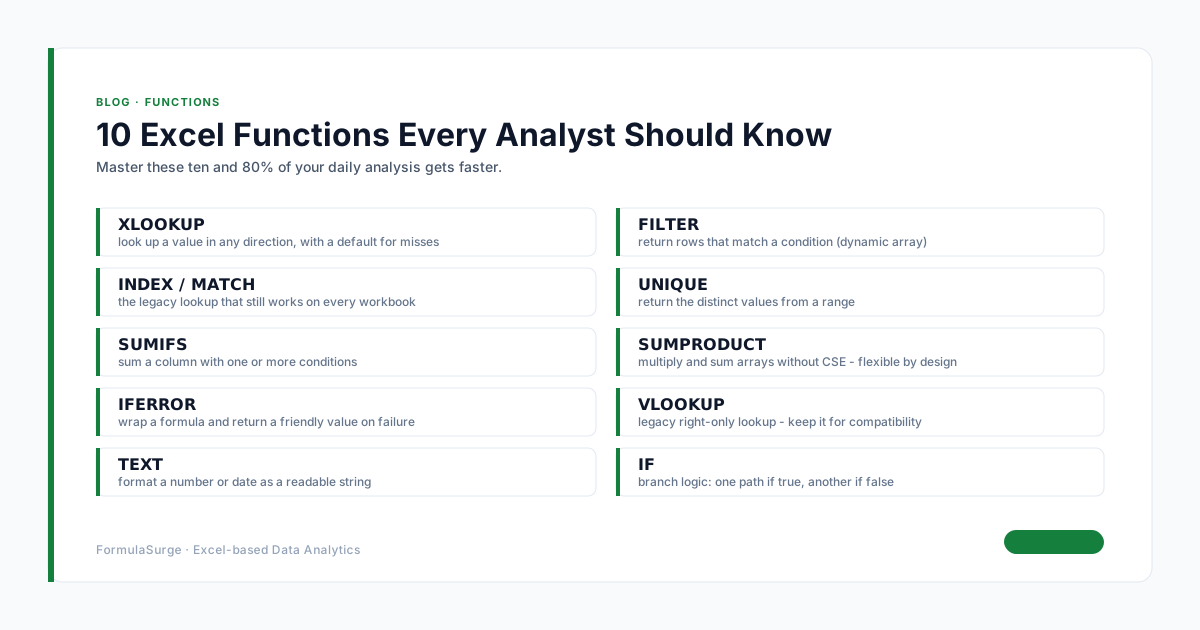
Error handling is the single most under-trained skill in any Excel engagement. The pattern is: wrap every formula that can return an error in IFERROR or IFNA, return a clean value, and the workbook looks professional. The senior uses this pattern in every shippable workbook - the alternative (leaving errors visible) is unprofessional and confusing for the user.
The seven error types
#N/A: value not available (lookup miss). #VALUE!: wrong data type. #REF!: invalid cell reference. #DIV/0!: division by zero. #NUM!: invalid number. #NAME?: unrecognised function. #NULL!: missing range operator. The senior writes a one-line error handler for each type and tests every formula against the error case. The pattern is the difference between a workbook that survives and one that breaks within a week.
IFERROR vs IFNA
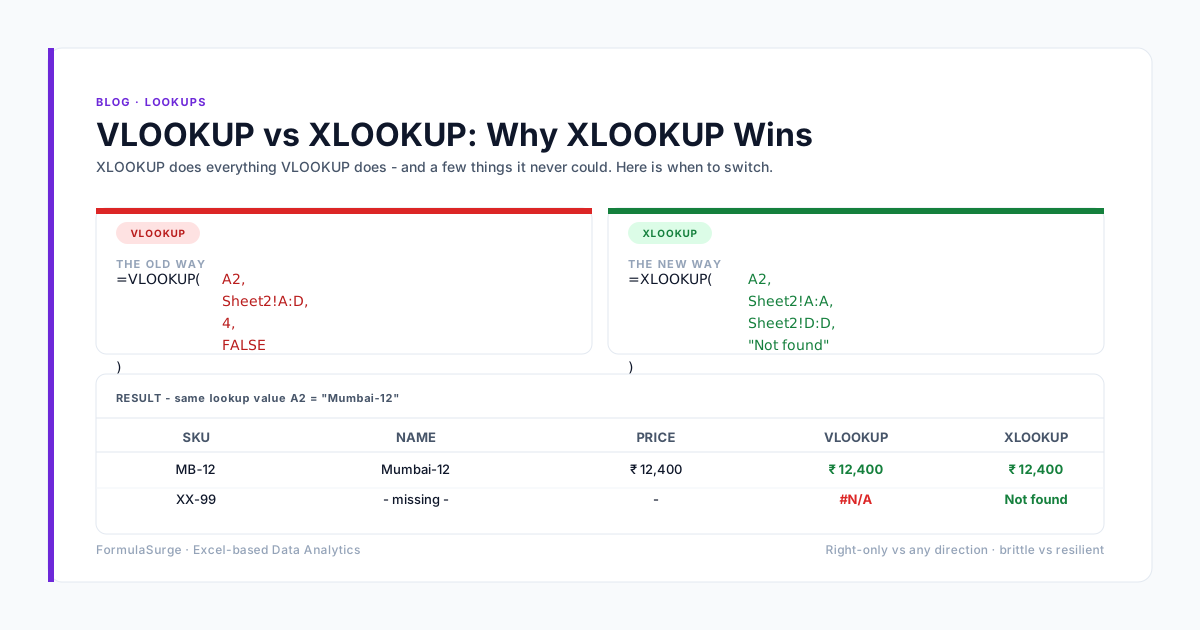
IFERROR catches every error type. IFNA catches only #N/A. The senior uses IFNA for lookups - the only expected error is #N/A (the value is not in the lookup range), and any other error is a real bug that should not be silently swallowed. The senior uses IFERROR for division, multiplication, and any calculation where multiple error types are possible. The pattern is the difference between a defensive workbook and one that hides real bugs.
The error handling patterns
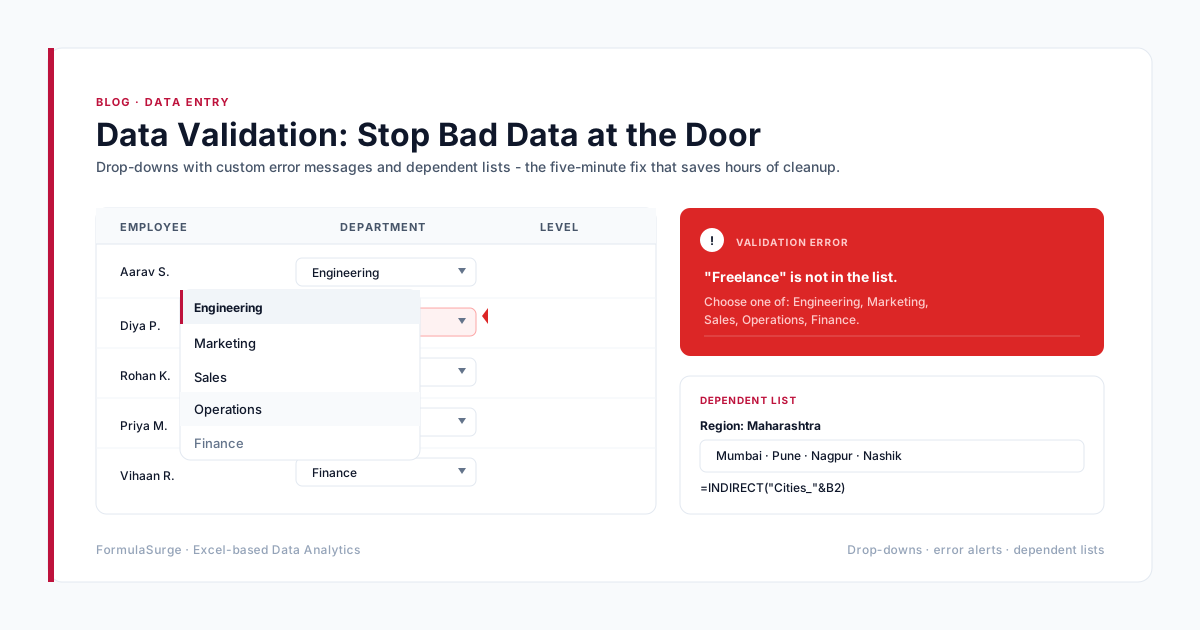
The senior uses four patterns. (1) IFERROR for any formula that can return an error. (2) IFNA for any lookup that can return #N/A. (3) IF with an explicit condition for any case where the condition is known (e.g. division by zero). (4) Data Validation to prevent errors before they happen. The four together cover 90% of any error handling need. The senior uses them in every shippable workbook.
How to debug an error
Click the cell with the error → F2 to enter edit mode → check the cell references. If the error is not obvious, use Formulas → Error Checking → Trace Error to see which cells are causing the error. The senior also uses Ctrl+` to toggle formula display and check every formula in the workbook at once. The pattern catches most visible errors in 30 seconds. The senior runs the error check on every workbook before handover.