HR and payroll are two of the most common Excel use cases in any Indian SME. The right workbook replaces dedicated HR software for up to 200 employees and costs a fraction of the licence. The five templates below are the ones we ship on every HR engagement - they fit any company size, any industry, and any payroll structure. The five skills are the ones the HR professional needs to master to operate the workbook.
The five templates
Employee master
Emp ID, Name, DOB, DOJ, Department, Designation, Location, Bank, PAN, UAN, ESI, Basic, HRA, Special
One row per employee. The source of truth for every downstream calculation. The senior uses Data Validation on every column to prevent typos.
Attendance register
One row per employee per day, columns: date, in time, out time, status (P/A/CL/SL/EL/LWP)
The input layer for payroll. The senior uses a grid layout for the input and a SUMIFS pattern for the monthly summary. Biometric integration is optional.
Leave tracker
One row per leave request, columns: emp ID, leave type, from, to, days, status, approver
The leave balance calculation. The senior uses SUMIFS to calculate leave taken by type and employee, and a balance sheet to show opening + accrued - taken = closing.
Payroll sheet
One row per employee per month, columns: basic, HRA, special, gross, PF, ESI, PT, TDS, net
The calculation layer. The senior uses named ranges for the slabs and XLOOKUP for the rate lookups. Payslips are generated via mail merge from this sheet.
Headcount report
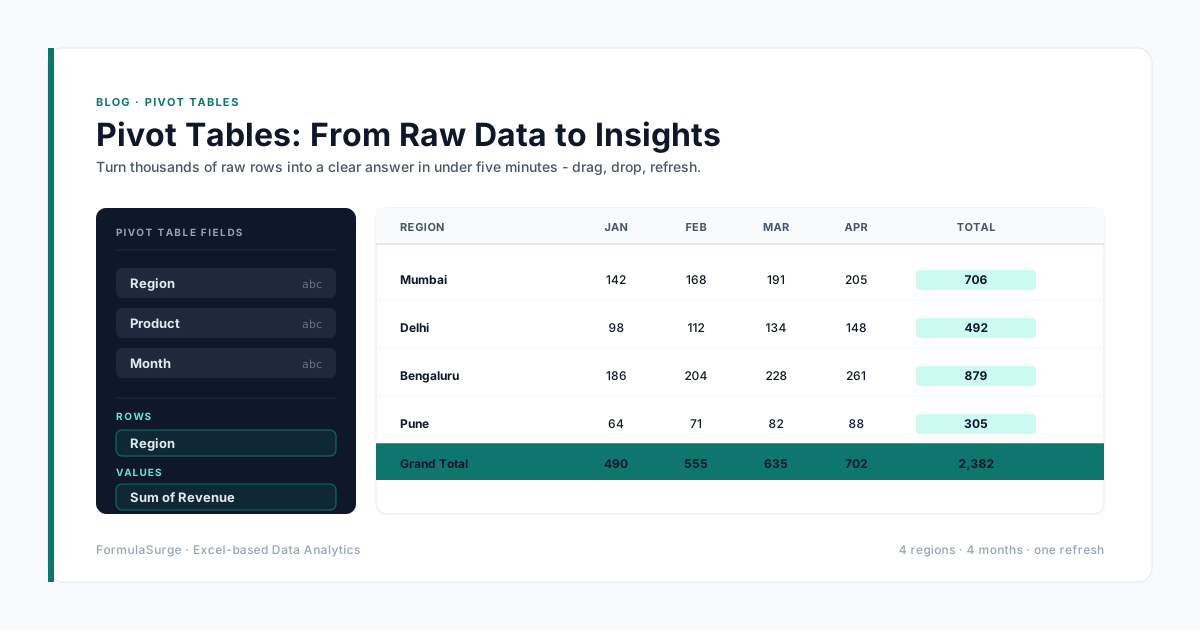
Pivot Table: department × month, count of unique emp IDs
The reporting layer. The senior adds open positions, attrition, and new joiners as separate measures. The output is the monthly HR deck.
The five core skills
VLOOKUP / XLOOKUP
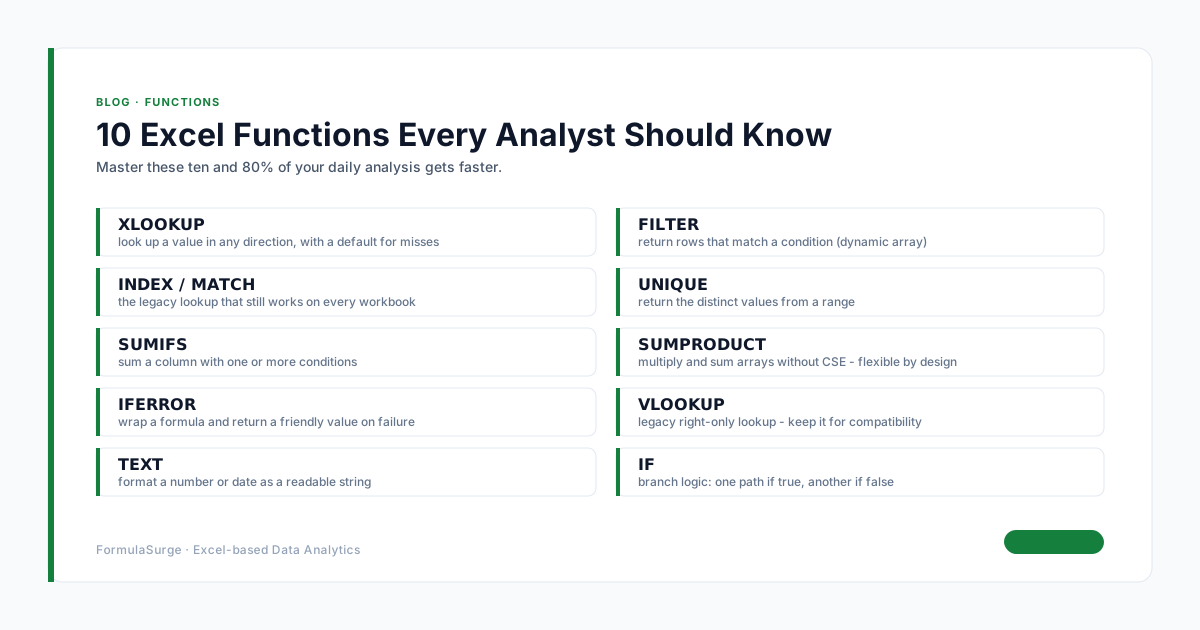
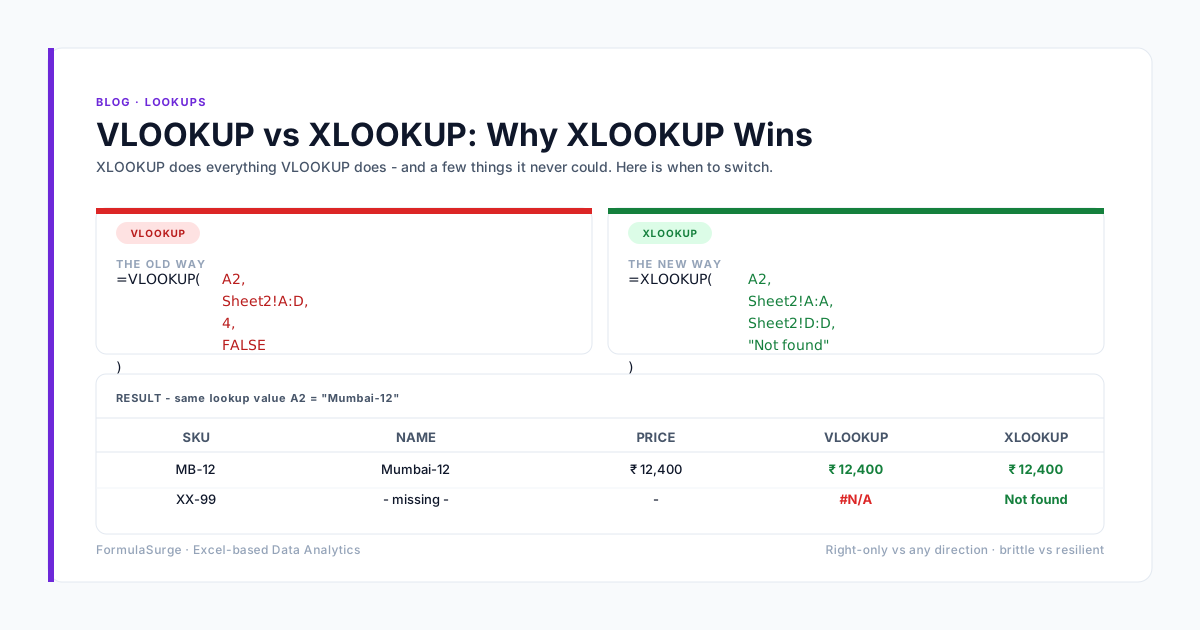
Every payroll calculation needs an employee lookup. XLOOKUP replaces VLOOKUP. The senior uses XLOOKUP with the emp ID as the key. The result is a chain of XLOOKUPs that pull basic, HRA, and bank details from the master.
SUMIFS / COUNTIFS
Every attendance and leave calculation needs a SUMIFS or COUNTIFS. The senior uses these for present days, absent days, leave days, late marks, overtime hours. The pattern is the same as the financial close - the criteria ranges are the filter, the sum range is the value.
Pivot Tables
The headcount, attrition, and diversity reports are all Pivot Tables. The senior builds a master Pivot Table per report and refreshes it monthly. Slicers for department, location, and gender make the report interactive.
Data Validation
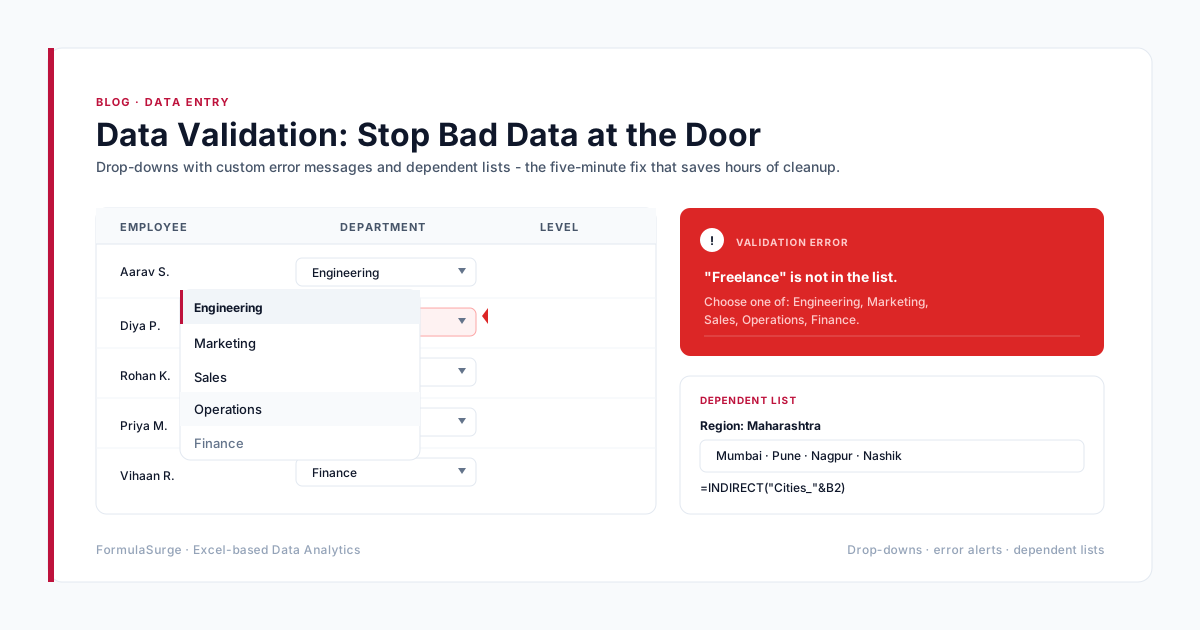
Every input field should have a Data Validation rule. Drop-down for department, design, location, leave type. Date range for from/to. Number range for basic, HRA. The senior adds the rules on day one and the data quality problem disappears.
Conditional formatting
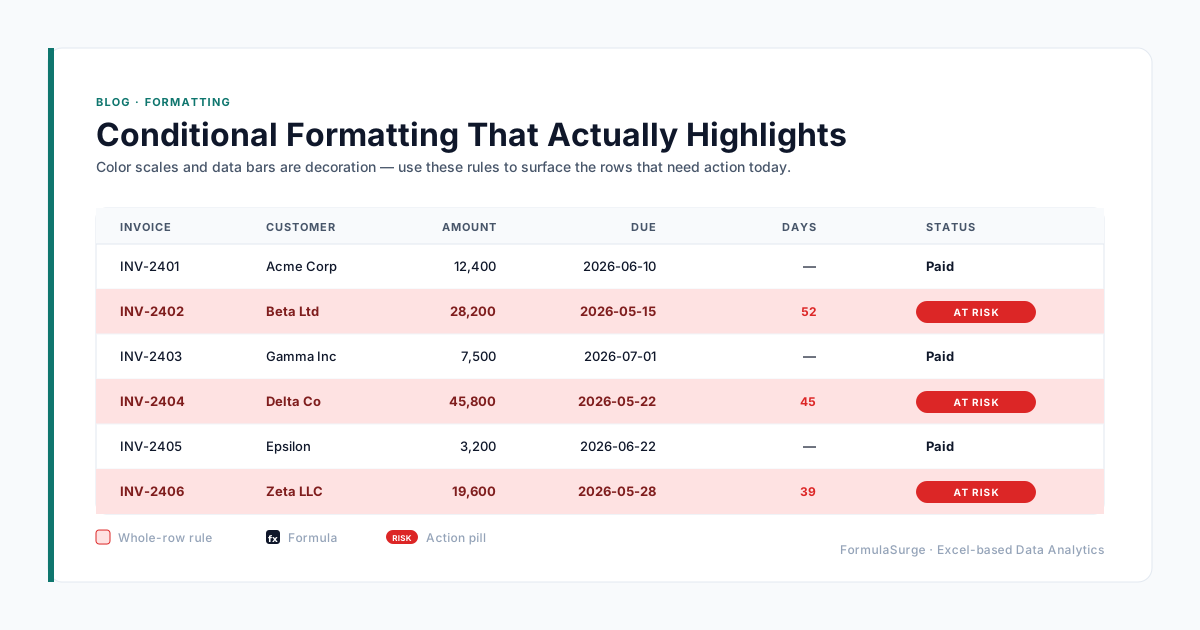
Visual flags for late marks, absent days, leave balance below threshold, and salary anomalies. The senior uses formula-based conditional formatting, not the built-in presets. The flags turn action - HR knows what to look at without parsing the data.
India-specific patterns
The Indian payroll patterns are different from the US or UK. PF (Provident Fund) is 12% of basic, capped at ₹15,000 basic for the contribution. ESI (Employee State Insurance) is 0.75% of gross, capped at ₹21,000 gross. Professional Tax is state-specific - Karnataka ₹200, Maharashtra ₹200, West Bengal higher. TDS is annual projection-based, with the employer calculating the monthly TDS based on the projected annual income. The senior uses a slab table on a hidden tab and XLOOKUP for the rate at each salary level. The pattern handles all four deductions, the take-home, and the bank transfer file in a single workbook.