
Guide · Hiring Excel help
Can I Pay Someone to Do an Excel Spreadsheet?
Yes - here is what it costs, where to find someone, how to hire safely and when AI is enough.
- hire
- pay someone
- cost
- how to hire
- excel expert
Start here · Scoping Sprint
Know the exact price in 2 working days. $99, credited in full to your build.
Builds from $75, fixed in writing · Working draft in 5 days or your first payment back · Mutual NDA first if you want one
See a sample Sprint report →Who you'll work with: two partners, 10+ years on finance workbooks →
Yes. Paying someone to build, fix or automate an Excel spreadsheet is common, and it is often cheaper than the hours your team spends working around a broken file. The questions that matter are what it should cost, who to trust with your data, and how to make sure you get a file that still works next month.
This guide answers those in order. Our own prices are below and fixed in writing: quick fixes $75 – $180 (£60 – £145, €70 – €165), with a free written quote first. Bigger builds start with the Scoping Sprint, credited in full against the build.
What we do
What you can pay someone to do.
Fix a spreadsheet
Broken formulas, #N/A and #REF! errors, lookups that miss rows, slow files and macros that stopped working after an update.
Build a new one
Trackers, budgets, quote and pricing tools, inventory sheets and reports, built around how your business actually works.
Automate the routine
Monthly reports that refresh in one click with Power Query, instead of copy-pasting exports every month.
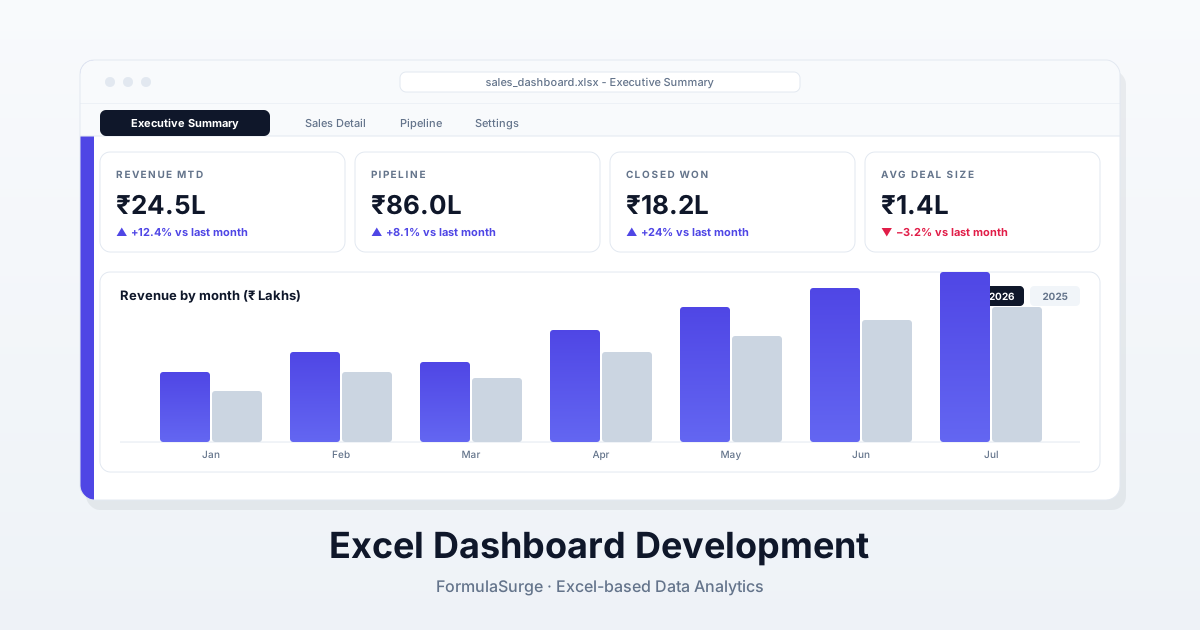
Turn data into a dashboard
KPIs and charts on one page, fed from your sales, accounting or operations exports.
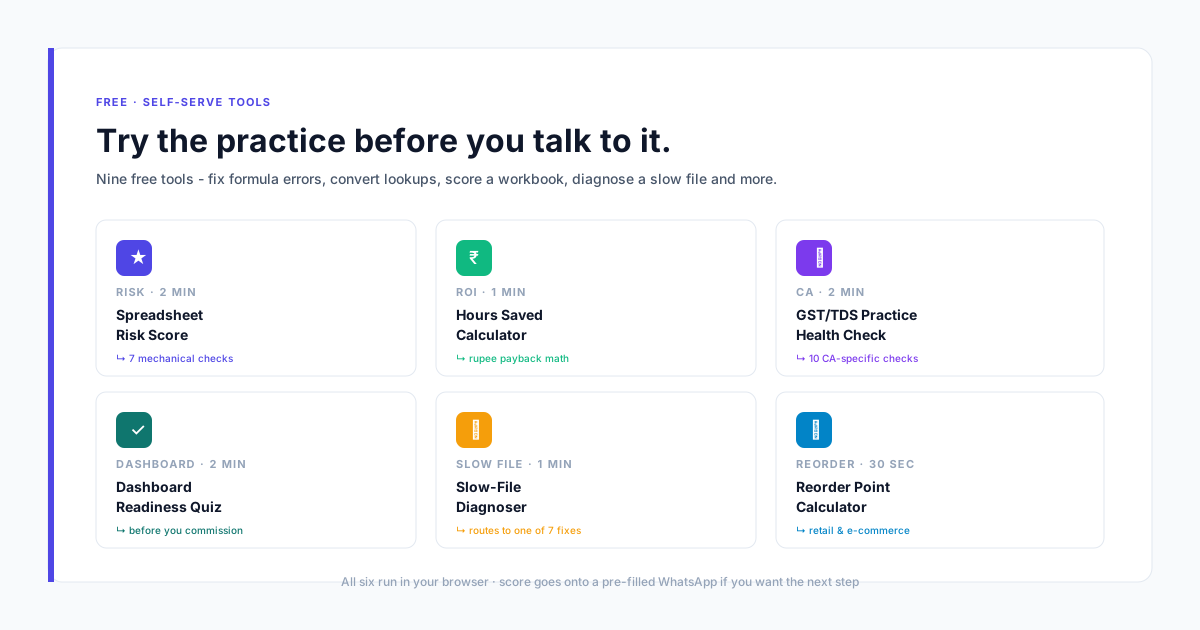
Free Self-Serve Excel Tools
Interactive in-browser calculators and diagnostics. No sign-up, no email required.
Workbook Compare
Drop two versions of a file and see every changed cell and formula, inserted rows, and formulas someone typed over.
Workbook Map
See how your sheets feed each other as a diagram, with links to other files, hidden feeders and circular links flagged.
Formula Explainer
Paste any formula and read it in plain English, step by step in the order Excel calculates it.
Related
Keep reading
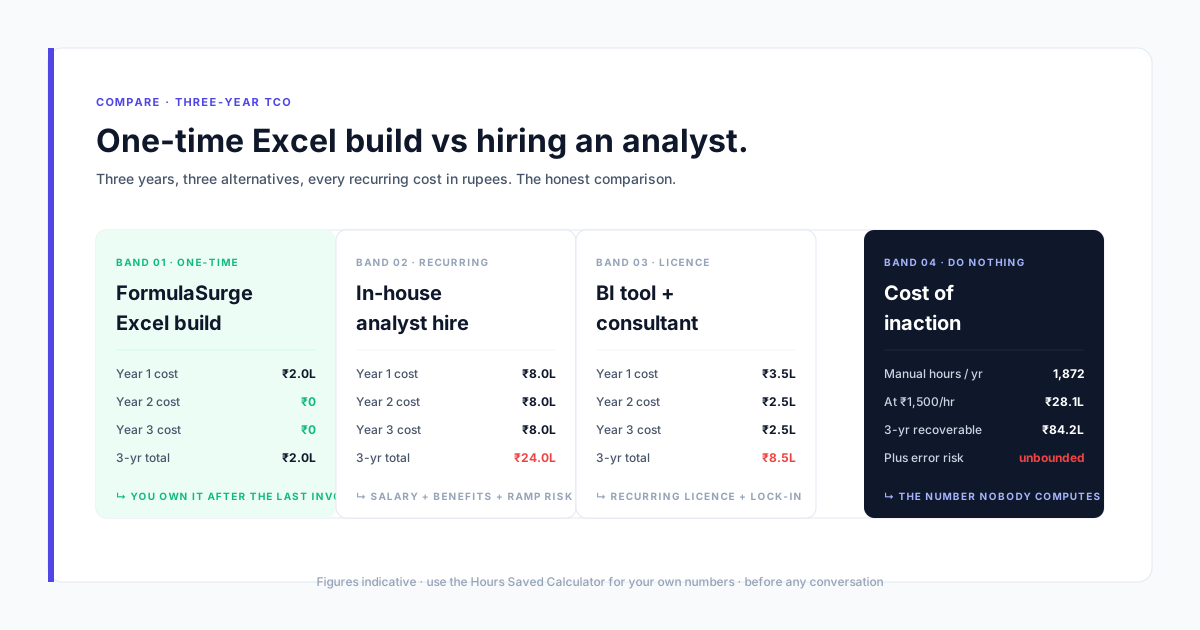
Page
Pricing
Excel consulting prices - a paid Scoping Sprint, then fixed-price builds in three published bands. Written scope, no hourly billing, bank transfer or UPI.
Page
Home
Senior Excel freelancer for dashboards, automation and models - fixed price, open to clients worldwide
Page
Excel Help
Excel help for broken formulas and spreadsheets - send the file, get a fixed price in writing within one working day.
Page
Python Excel Script Generator
Free Python script generator for Excel automation - combine a folder of workbooks, split a sheet by column, build a summary pivot, or clean and dedupe data. Copy or download a ready-to-run script.
Page
About
Who we are - FormulaSurge is an independent Excel practice - 10+ years of Excel work. The process and the guarantee behind every engagement - based in India serving worldwide.
Page
Authors
The two equal partners behind FormulaSurge - Jigar Savani and Nandan Roy - who write the articles and build the tools on this site.
Prices
What each price band includes.
The exact price is fixed in writing before any work starts. Bigger jobs start with the Scoping Sprint, credited in full.
Quick fix
$75 – $180
One formula, one broken lookup or macro, or a simple one-tab sheet.
- Delivery: 1–5 working days
- 1 review round
- 30-day warranty
Standard
$180 – $500
A dashboard, a tracker with several tabs, or a monthly report that refreshes itself.
- Delivery: 10–15 working days
- 2 review rounds
- 30-day warranty
Complex
$500 – $2,000+
Multi-entity models, consolidations or large automated workbooks.
- Delivery: 15–30 working days
- 3 review rounds
- 30-day warranty
Deliverables
What you receive.
- A fixed price in writing before any work starts
- A written scope: what 'finished' means
- The working file, with unprotected formulas and code you own
- A short guide to running and updating it
- A 30-day warranty against the agreed scope
Tools
What we work in.
- Excel 365
- Power Query
- VBA macros
- Pivot tables and charts
- Google Sheets
Process
How it runs.
- Step 01
Describe the job
Send the file or a screenshot and a few lines on what it should do. Mutual NDA first if you want one.
- Step 02
Get a fixed price
Quick fixes get a free written quote within one working day. Bigger jobs start with the Scoping Sprint ($99 / £79 / €89), which gives you the exact price and scope.
- Step 03
Pay in two parts
50% to start, 50% on handover. Payment: Bank transfer (international wire outside India) or UPI. You review the work before the final payment.
Frequently asked
Paying someone to do an Excel spreadsheet: common questions.
Can I pay someone to do an Excel spreadsheet?
Yes. Freelancers and small firms build, fix and automate spreadsheets for businesses every day. Describe the result you need, agree the price and scope in writing before work starts, and make sure you own the finished file.
How much does an Excel spreadsheet cost?
It depends on the job, not the number of tabs. With us, a quick fix is $75 – $180, a standard build such as a dashboard or report automation is $180 – $500, and complex models are $500 – $2,000+. Prices are fixed in writing and shown in your currency on the pricing page. Hourly rates elsewhere vary widely by country, platform and experience.
Where can I find an Excel expert?
Freelance marketplaces, local consultants and specialist firms all offer Excel work. Whoever you choose, look for a written scope and fixed price, examples of similar work, clear ownership of the file, and a way to get fixes if something is wrong after delivery.
How do I hire an Excel expert safely?
Share as little real data as you can at first - a sample or a copy with sensitive values removed is usually enough to price the job. Ask for an NDA if the data is confidential, agree the scope and price in writing, avoid paying everything up front, and make sure the formulas and VBA code are unprotected so you are not locked in.
Can ChatGPT do Excel work instead?
AI assistants such as ChatGPT, Microsoft Copilot and Claude can write formulas and draft whole workbooks quickly, and for small one-off tasks they are often enough. They work from your prompt rather than your real files and settings, so for anything a business relies on, have the result checked before you trust the numbers. We also offer a review of AI-built workbooks.
Is AI going to replace Excel?
Not soon. AI is being built into Excel itself, and most finance and operations teams still run their key reports in spreadsheets. What is changing is the work: less typing formulas by hand, more checking, connecting data and making files reliable.
What is an Excel consultant?
Someone you hire to design, fix or automate spreadsheets for your business - for example a reporting pipeline, a dashboard, a financial model or a macro - rather than to teach general Excel skills.
Related: Pricing in your currency · Excel help for quick fixes · AI-built workbook review
Start with a Scoping Sprint
Tell us what the spreadsheet should do.
We reply within one working day with a fixed price in your currency, or the questions we need answered first.
Calls 9am–7pm IST, Mon–Sat · How a project works